Laborite is a unique solution for integrations development and product teams. A central interface for acquiring and managing 3rd party products, with off the shelf demo data and API libraries.
Overview
01 /
09
My Role
New design, user goals definition and MVP.
Market research to define the right personas – user / buyer.
Problem
No unified solution for managing IT lab environment.
Drivers – license tracking, product research, easy API access, cost management
Solution
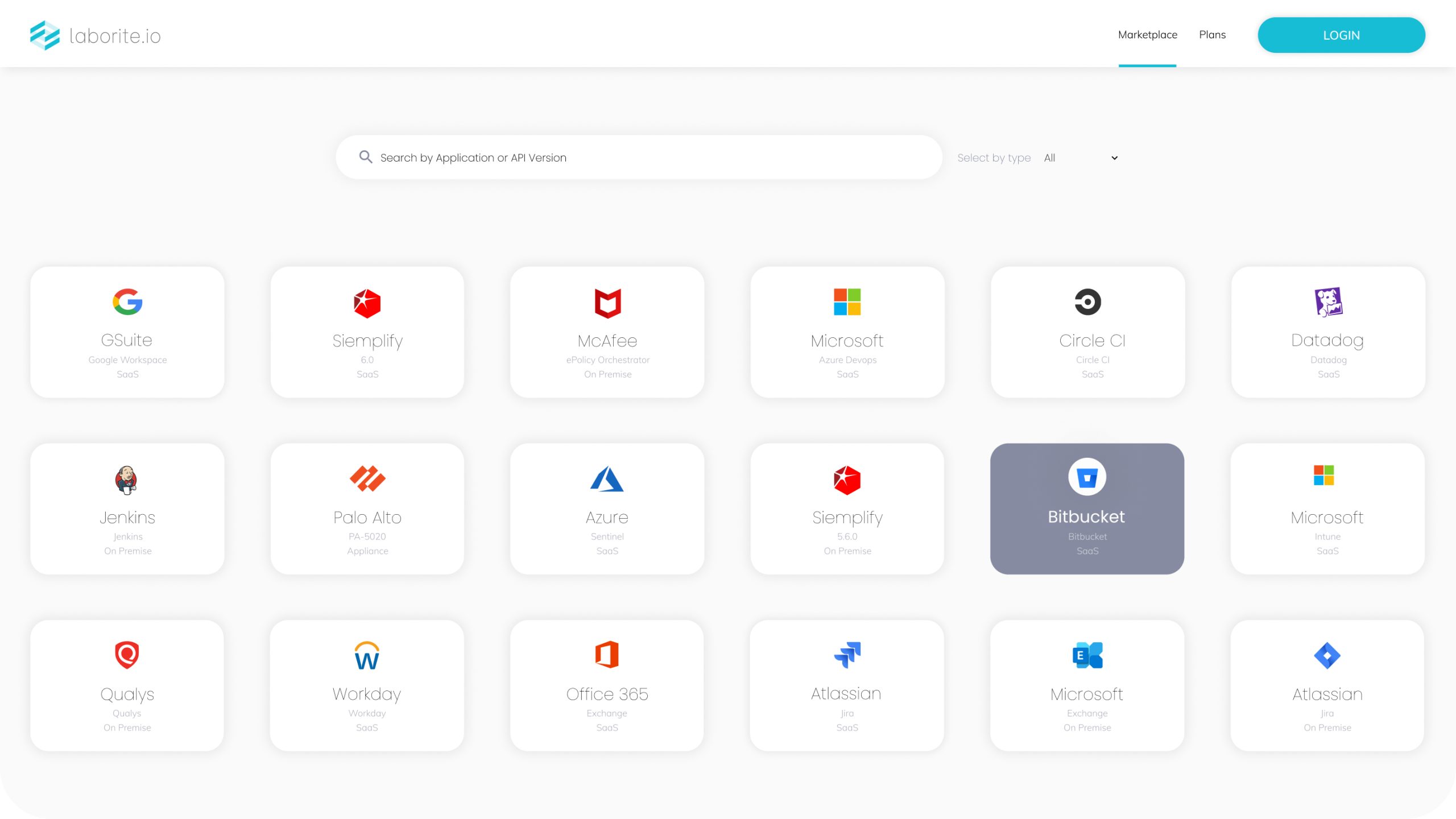
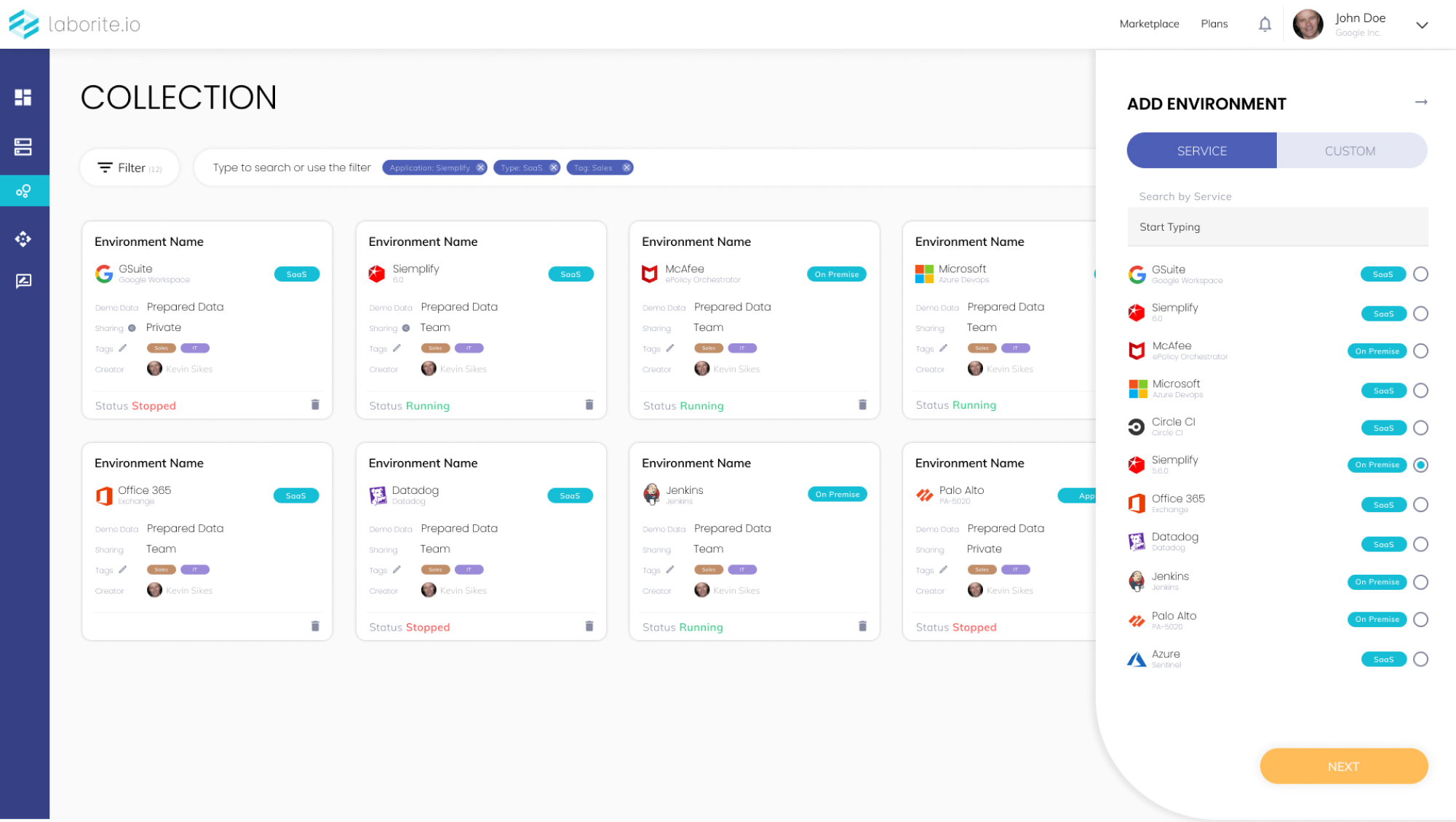
MVP with built in marketplace and custom apps/services entry.
Tracking – versioning, operational state, cost
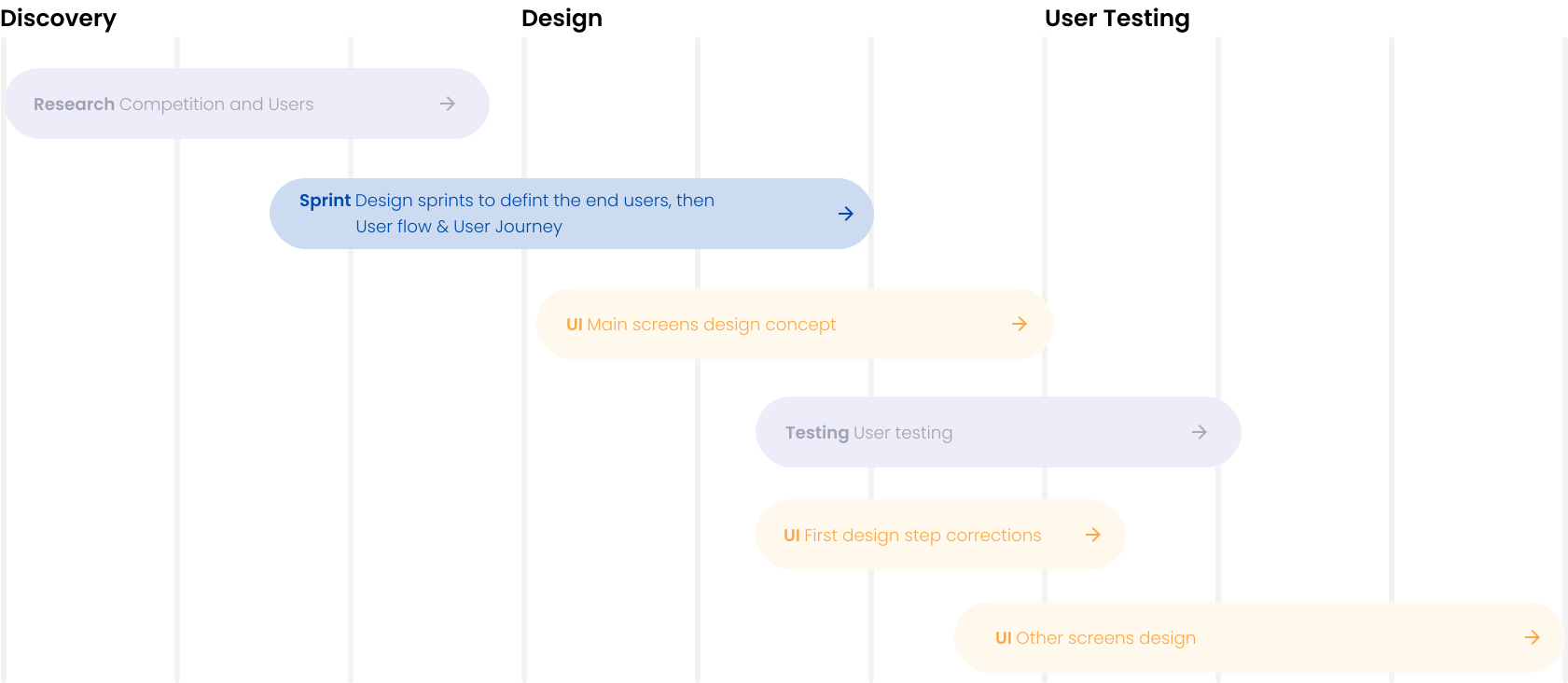
My Design Process
02 /
09
Meeting the Persona
03 /
09
After deep research and possible personas interview, we defined four user profiles. 1. R&D Manager 2. IT Manager 3. Product Manager The main persona was selected by budget and most use cases that provides overlap
Jim Wilson
AGE 42
Lives In San Francisco, CA
WORKS AS R&D Manager
Mary Jay
AGE 42
Lives In San Francisco, CA
WORKS AS IT Manager
Robert Bell
AGE 42
Lives In Los Angeles, CA
WORKS AS Product Manager
Meet the main Persona
03.1 /
09
Mary Jay
AGE 42
Lives In San Francisco, CA
WORKS AS IT Manager
Pain Points
1. No central status verification on running environments 2. User cannot apply data changes on the go 3. No track on versioning and cost
Motivation
Instant access to IT lab for different users simultaneously.
Goals
1. Central interface for current and future apps POCs and Integrations 2. Manage versioning, data and spend on running environments
Skeching the Ideas
04 /
09
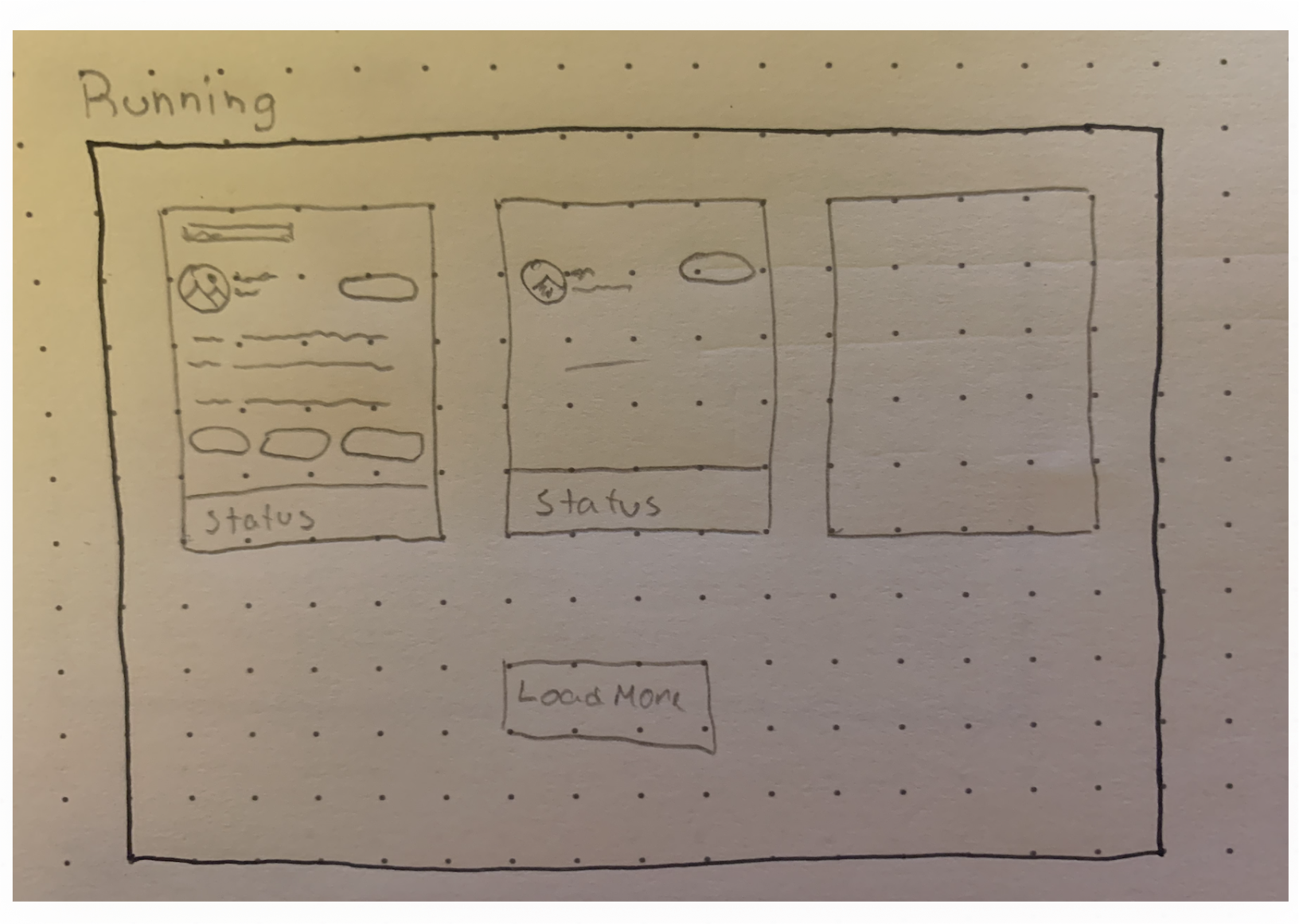
Running Services
The main Idea
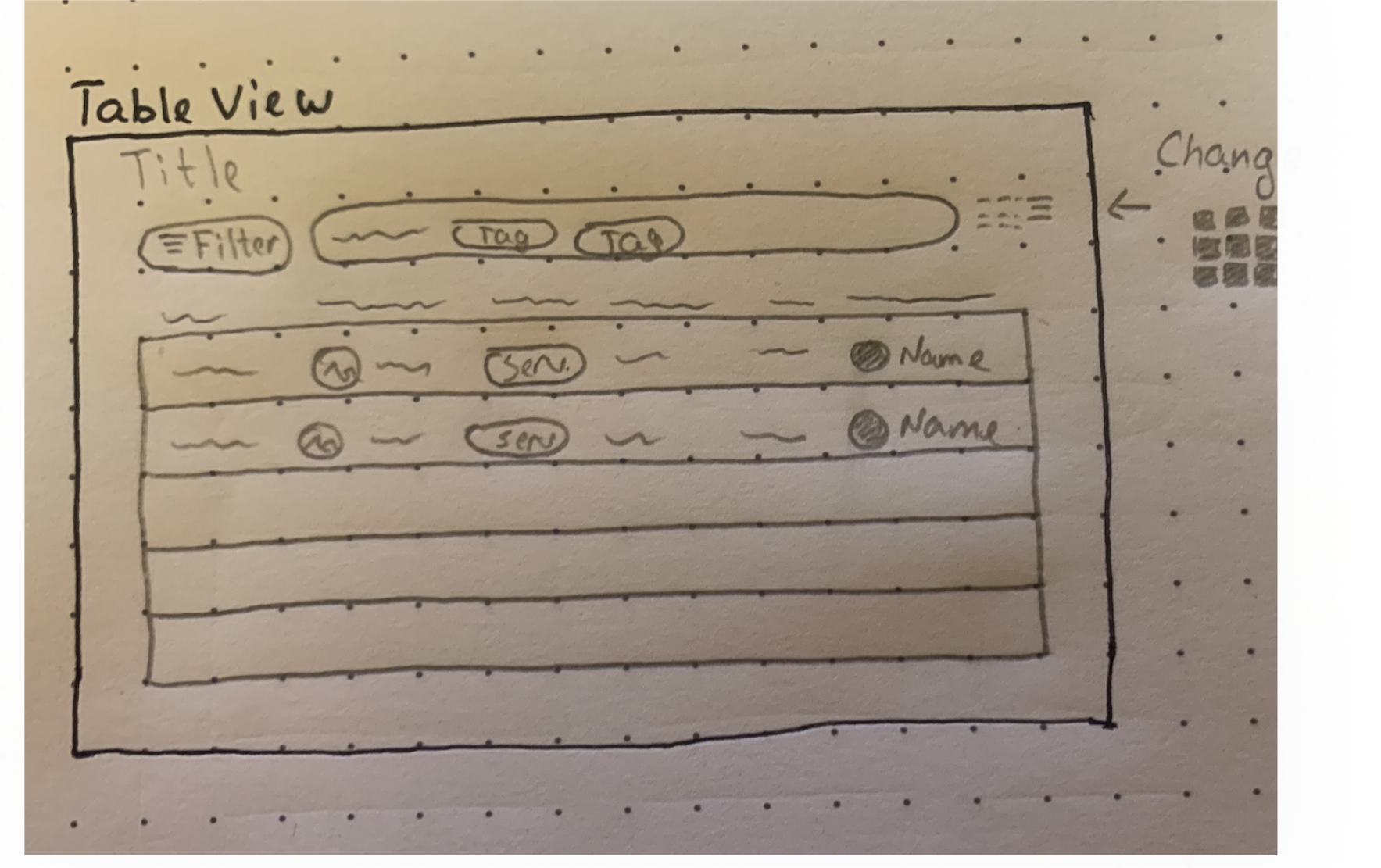
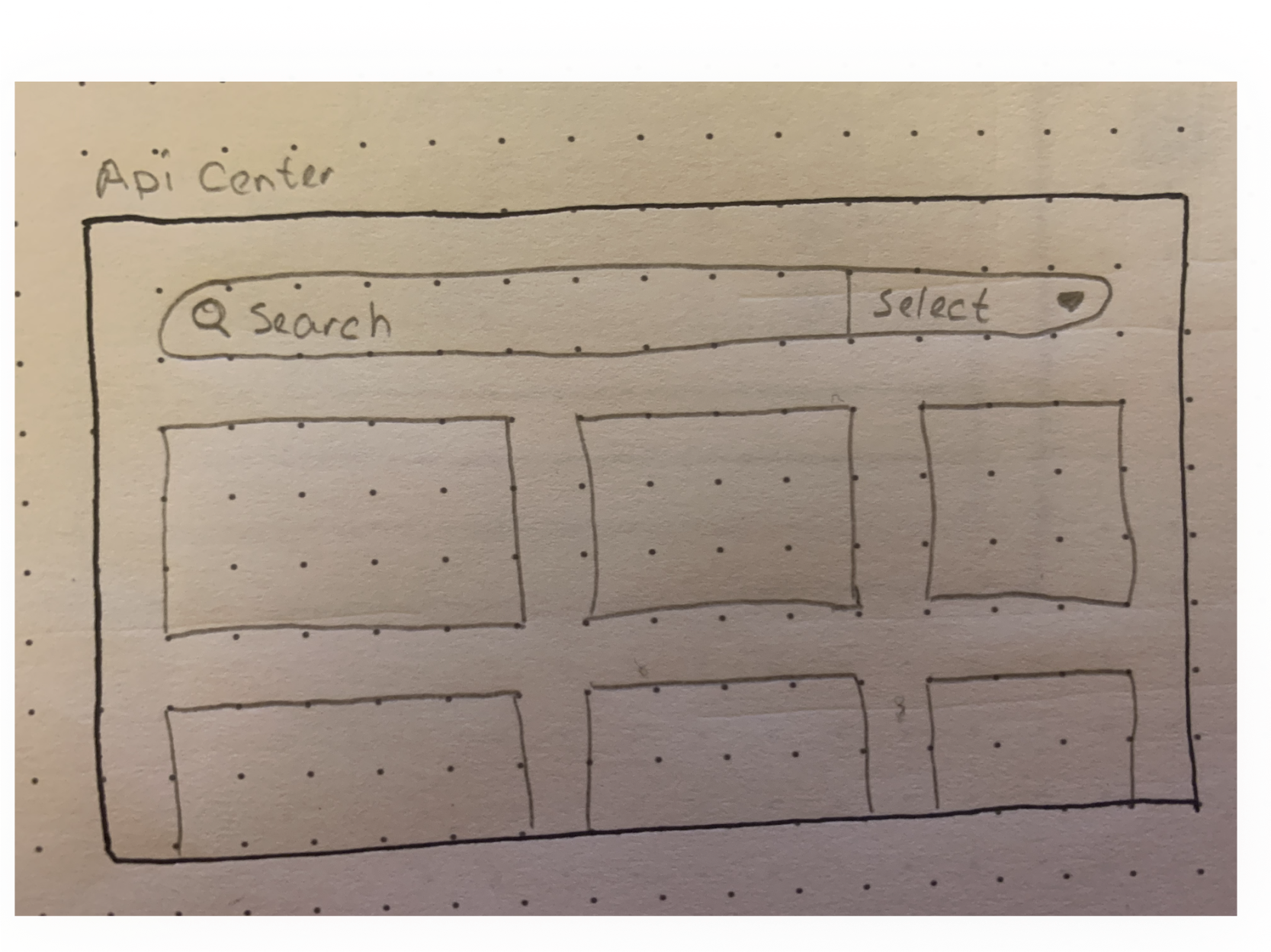
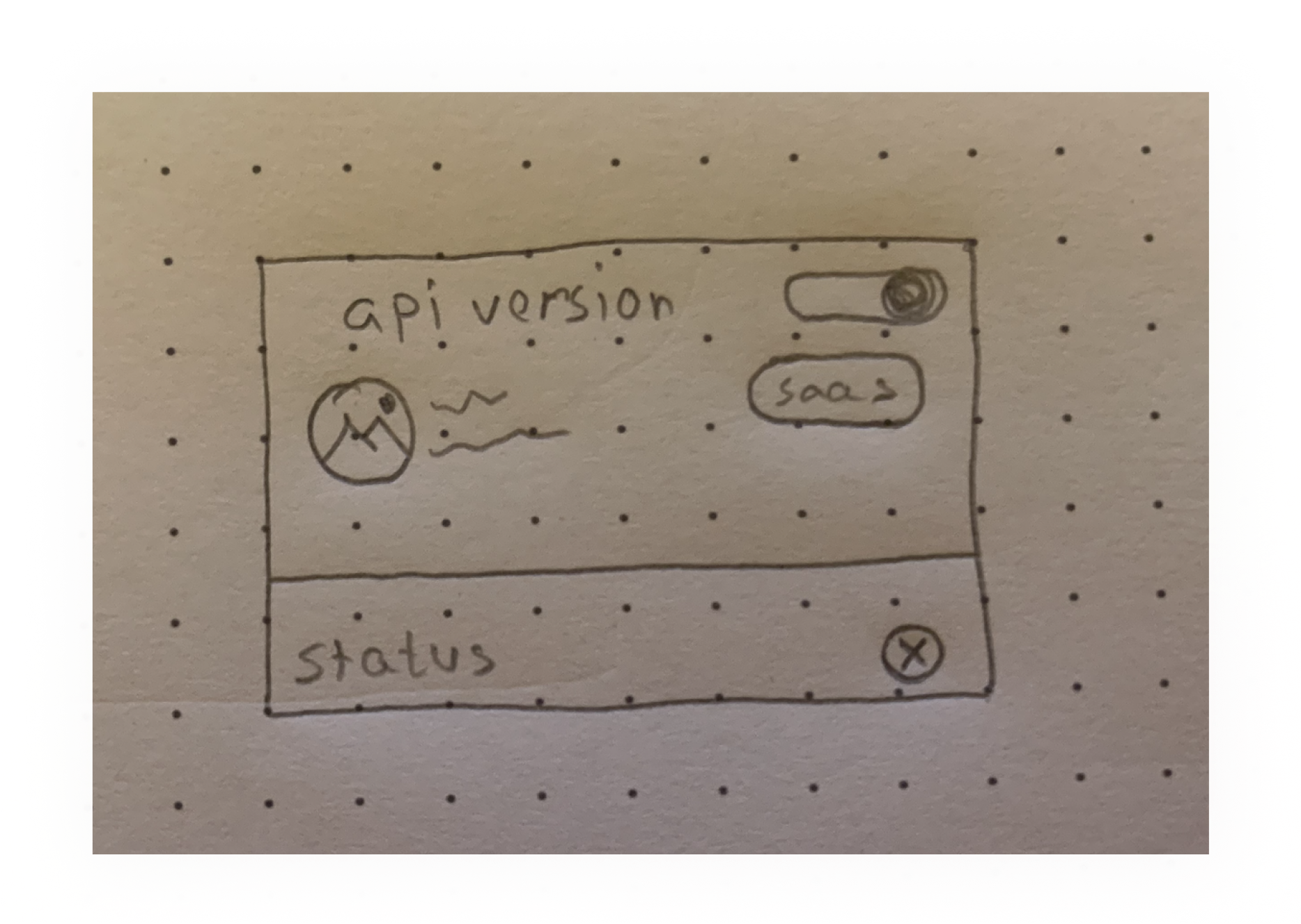
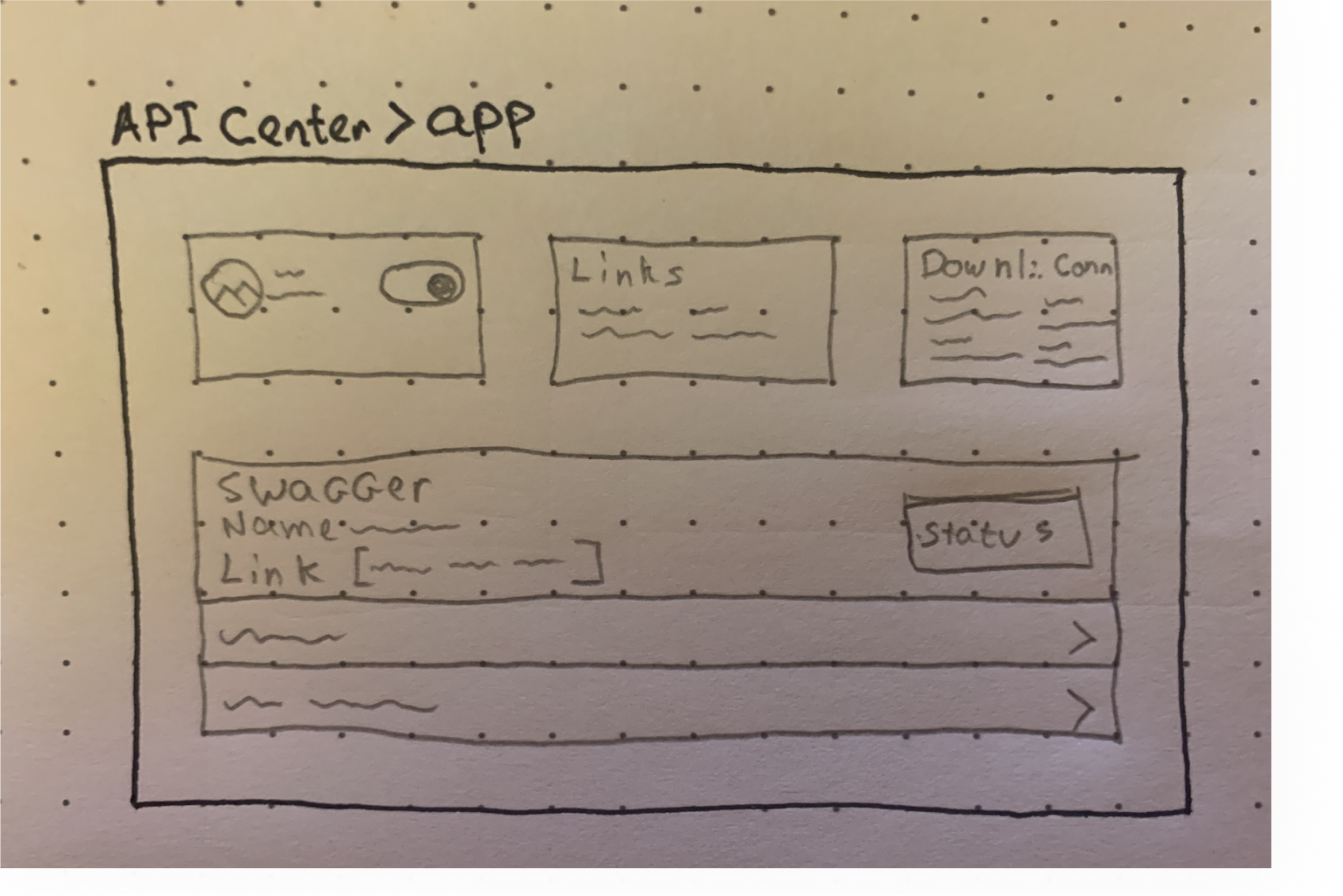
Before designing the main screen concepts we started to sketch ideas of functionality and features.
The sketches are the initial ideas containing wireframes and layout guides.
Overall Table View
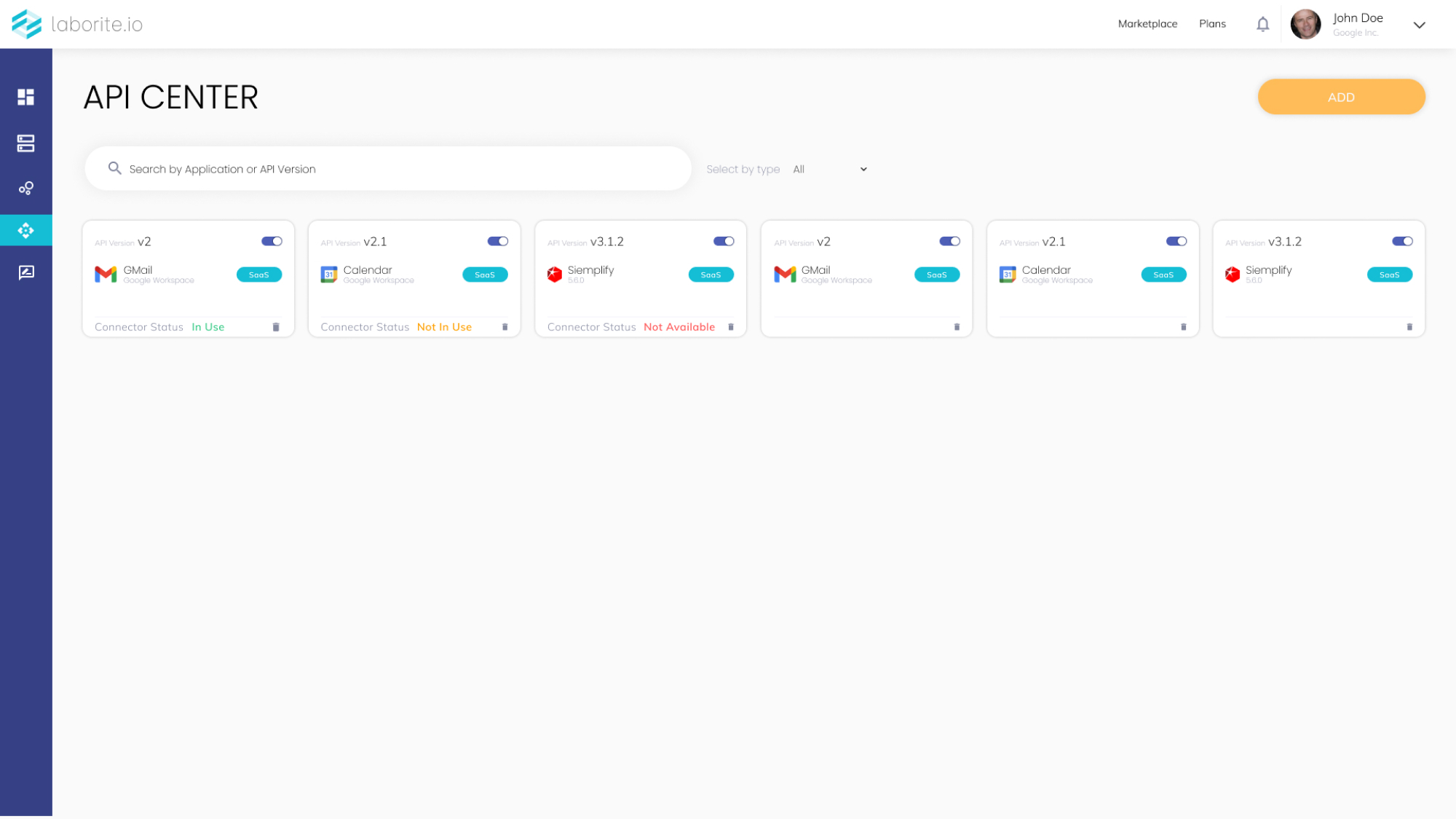
API Center
API Center | Card Planning
API Center > App View
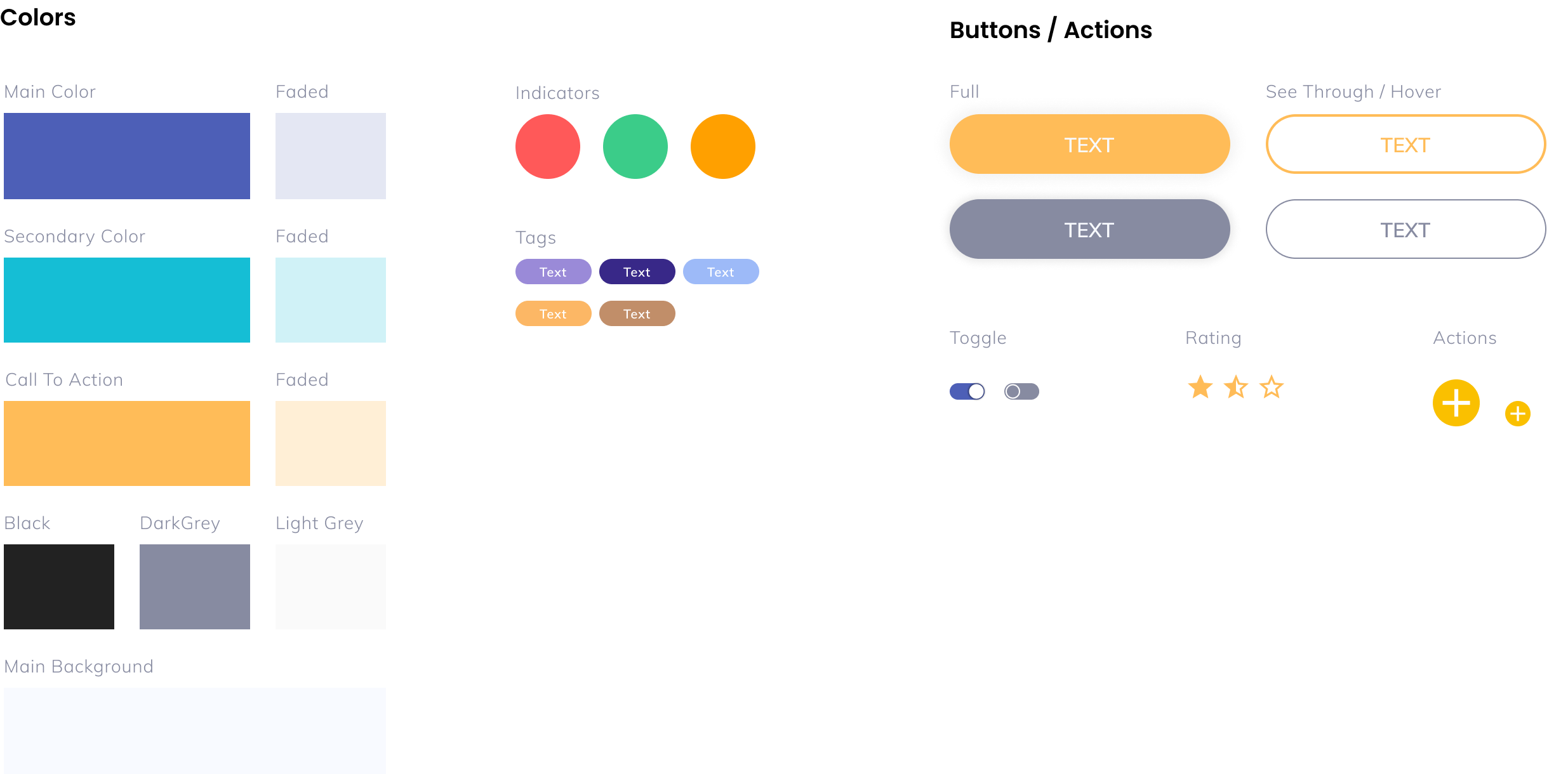
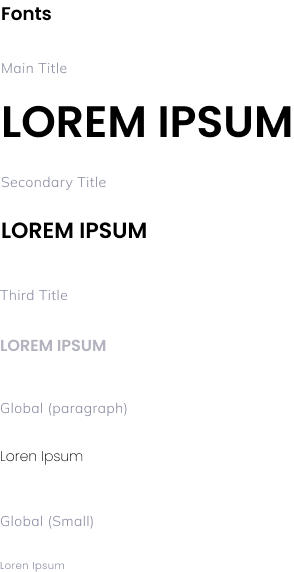
Creating the design system
05 /
09
Main Concepts
06 /
09
Serving different personas
07 /
09
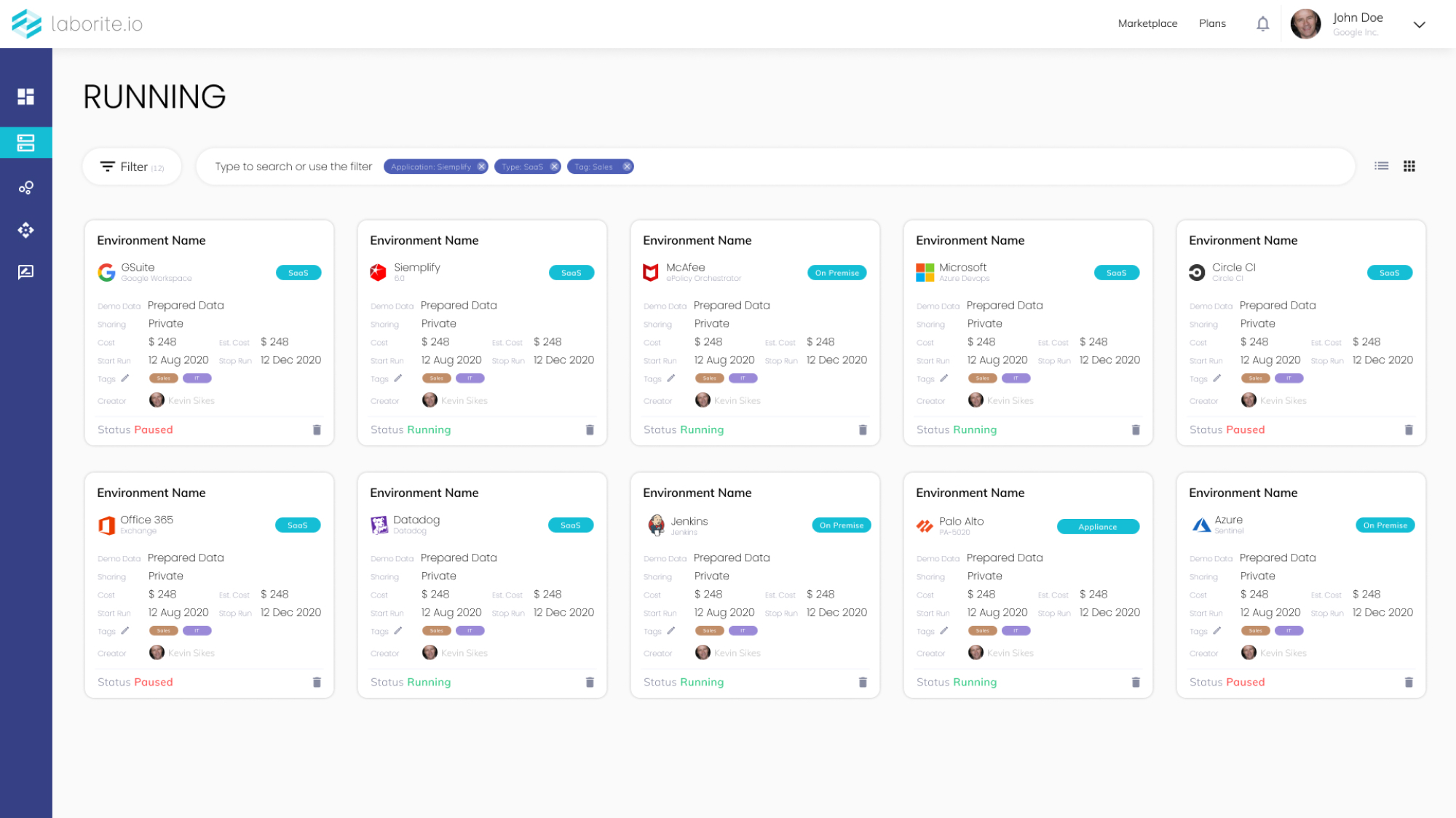
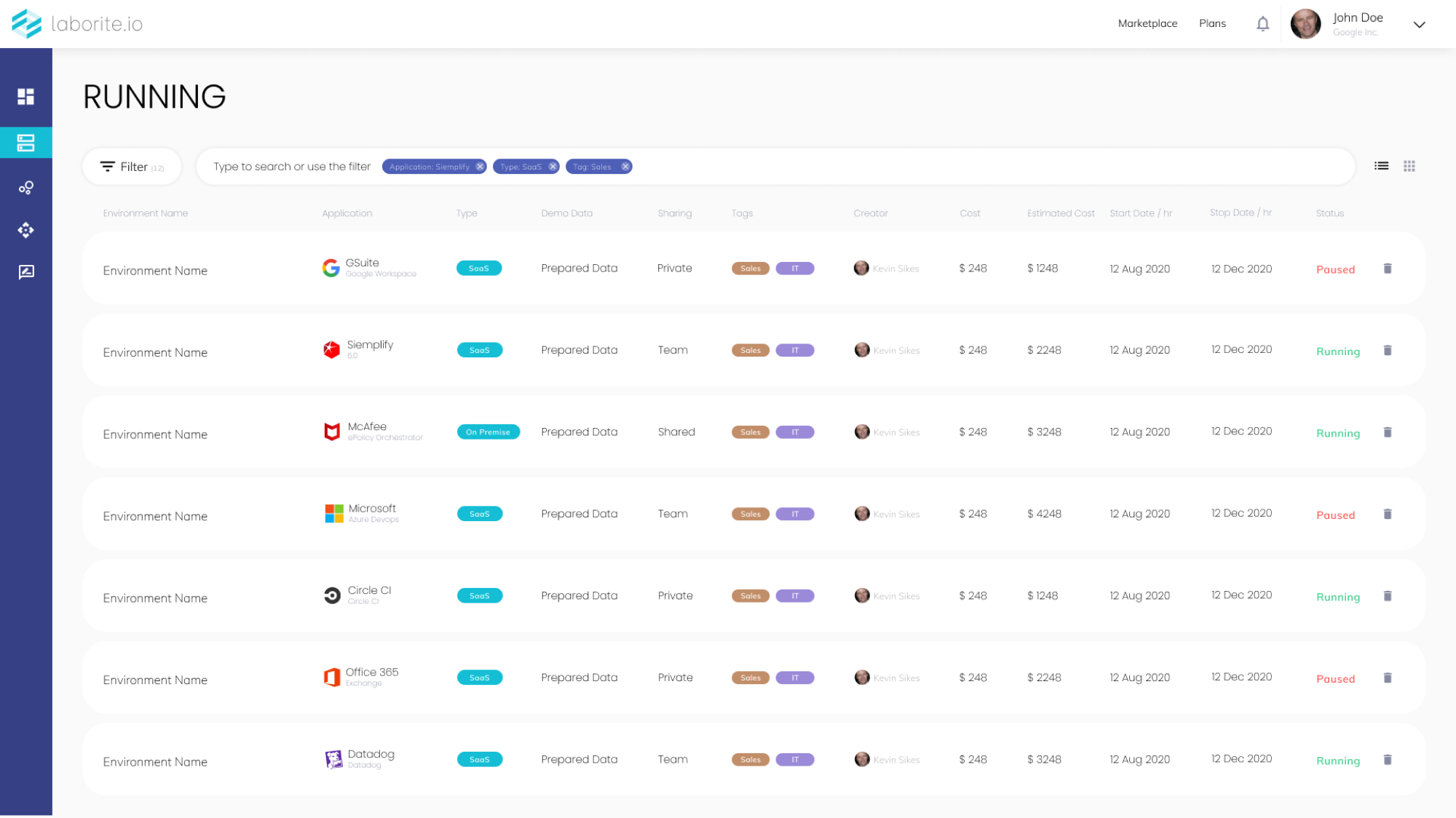
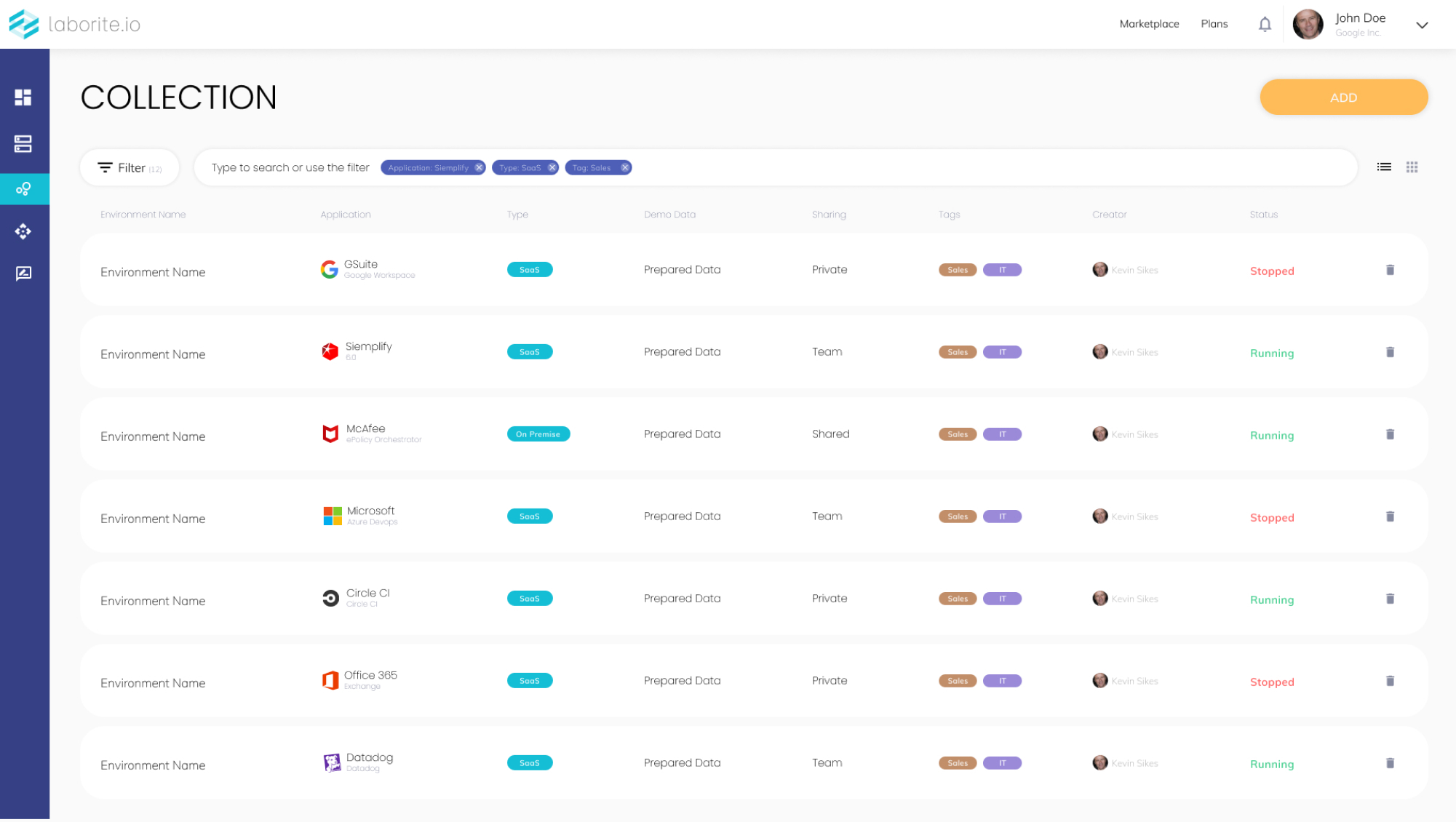
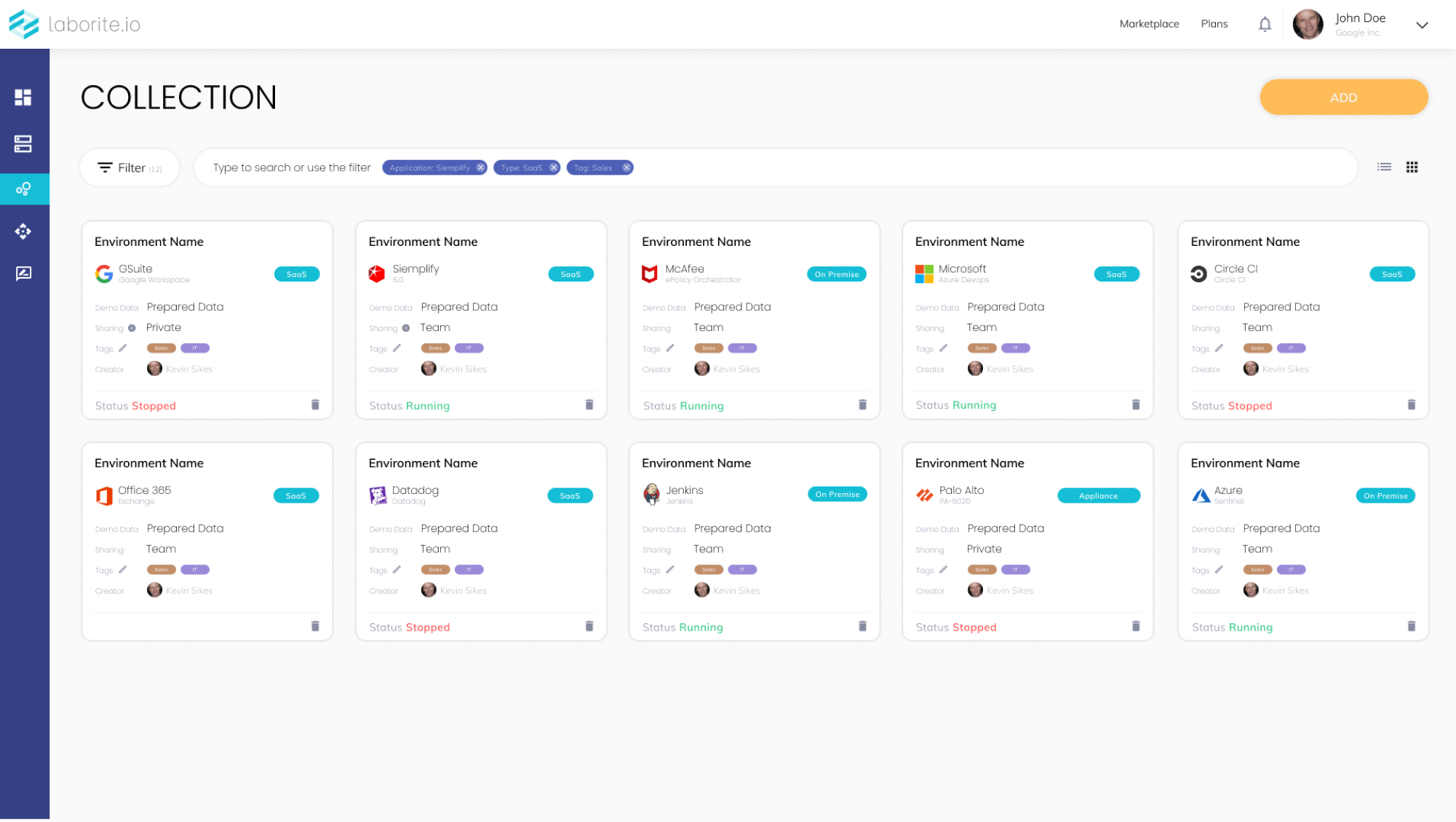
Using two Use Cases per 3 different personas we defined that there is a need in two different option for the same screen.
CTO’s preferable usage of the “Runing Enviroment” screen was card we and Product Integration and Integrations Engeneer are willing to use the table view
Main Working Screens
08 /
09
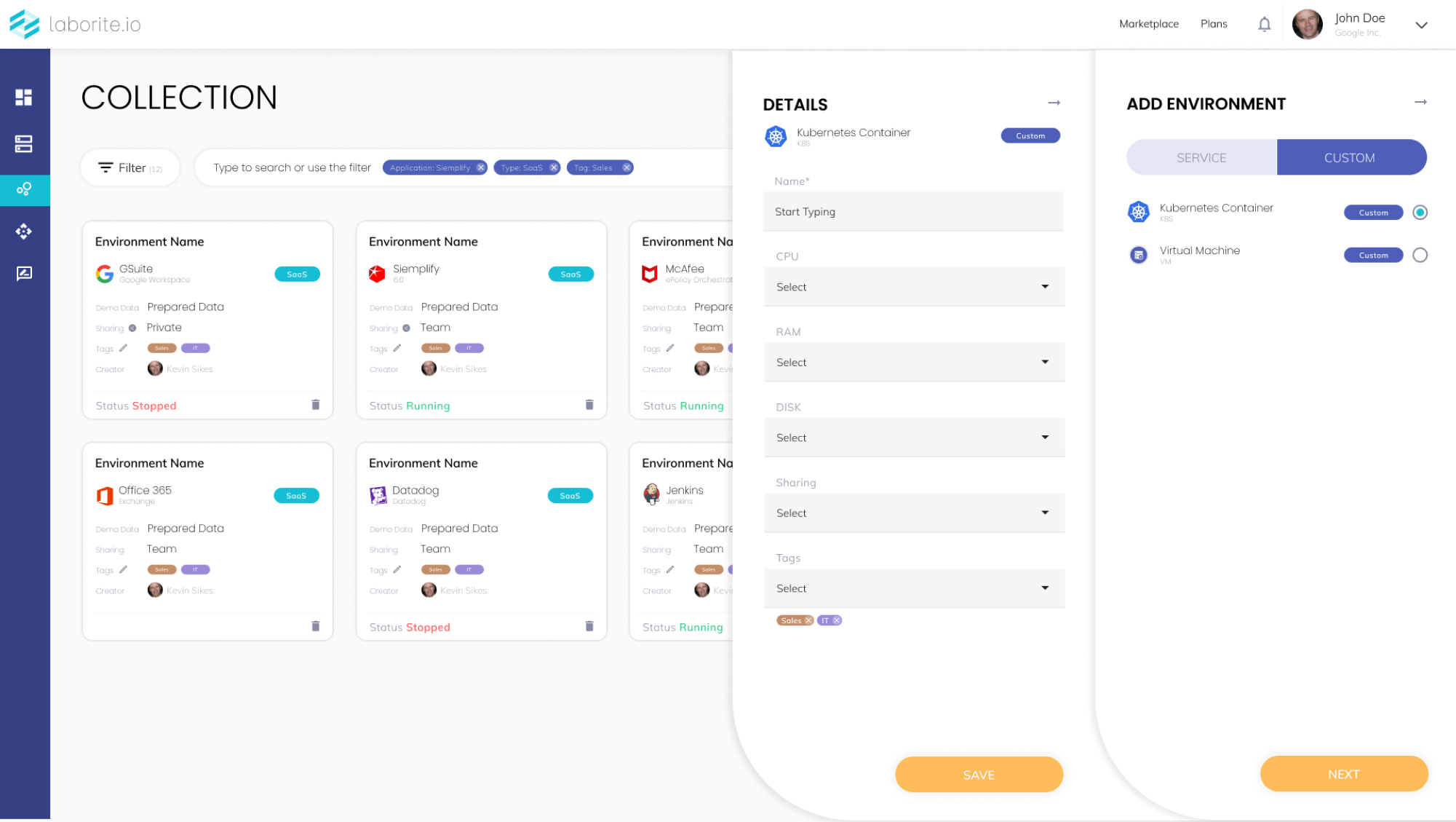
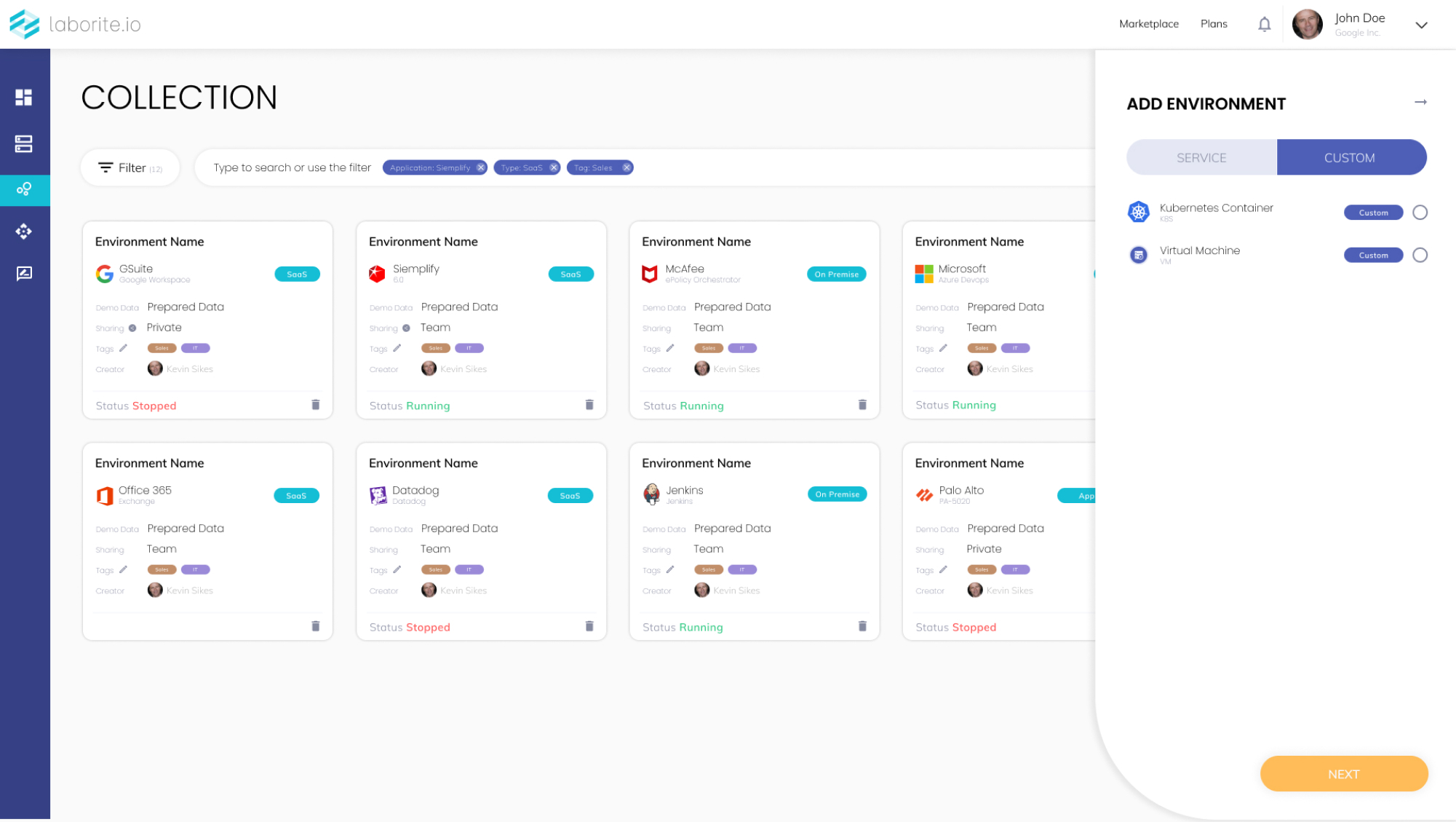
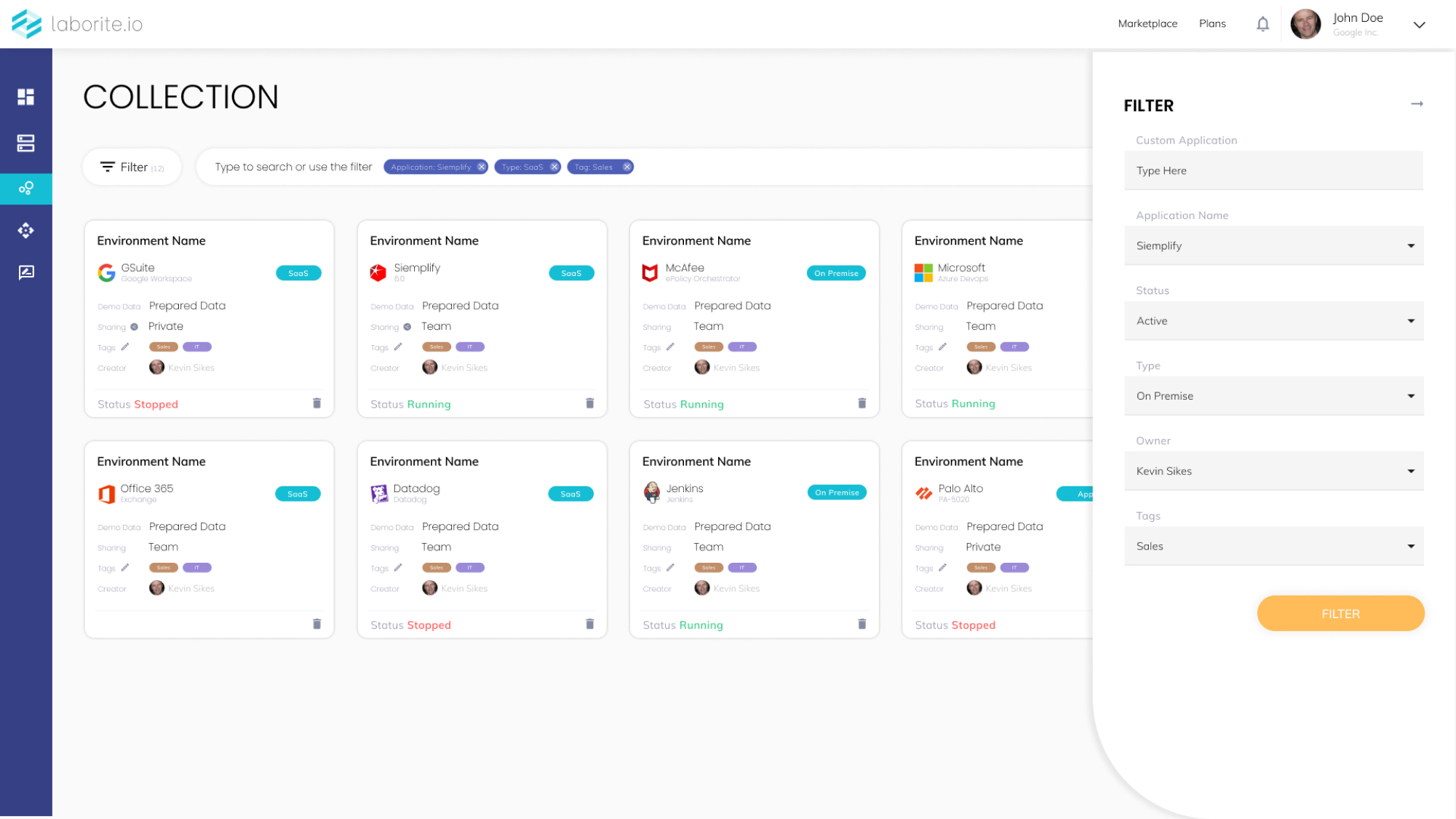
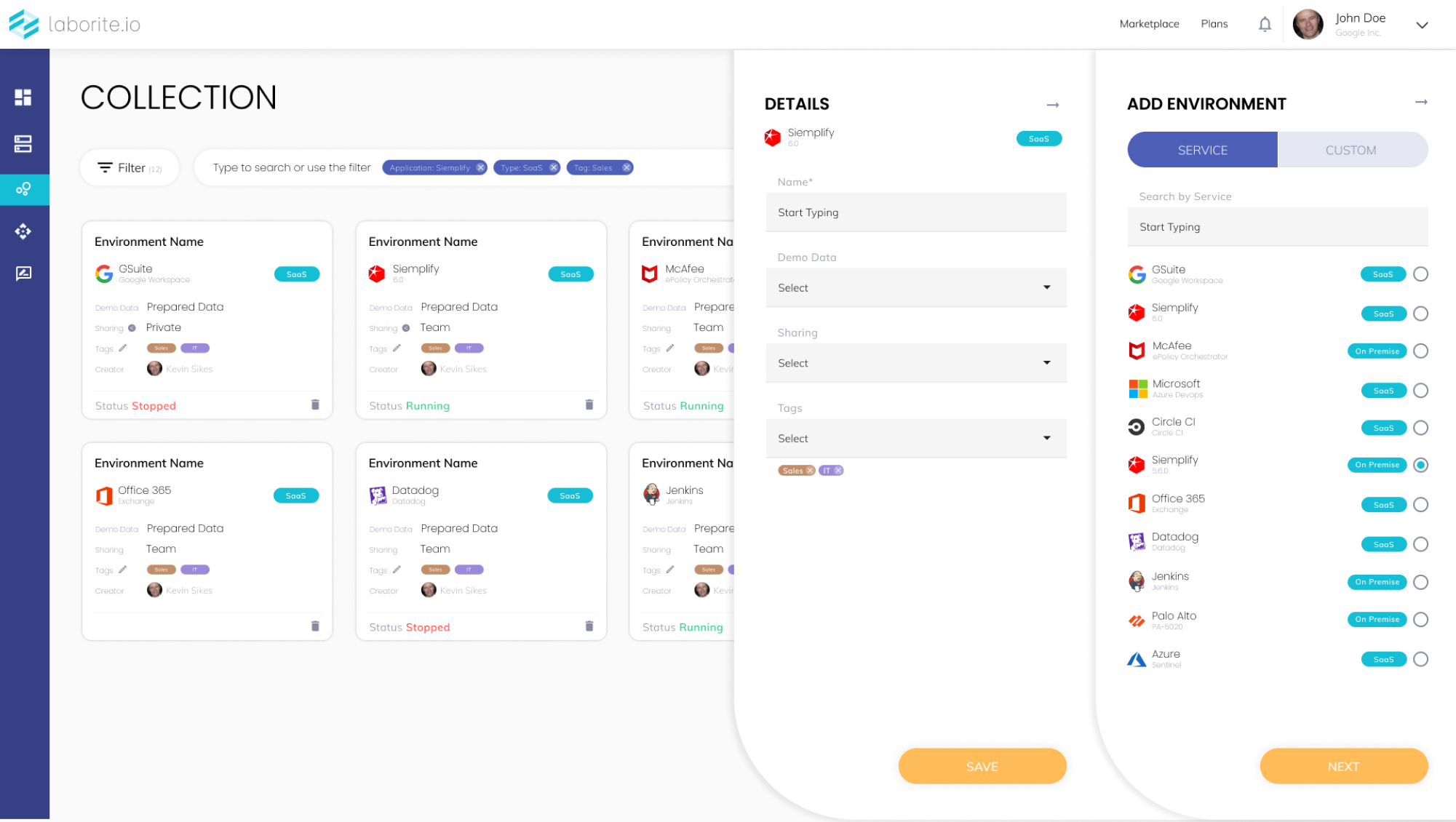
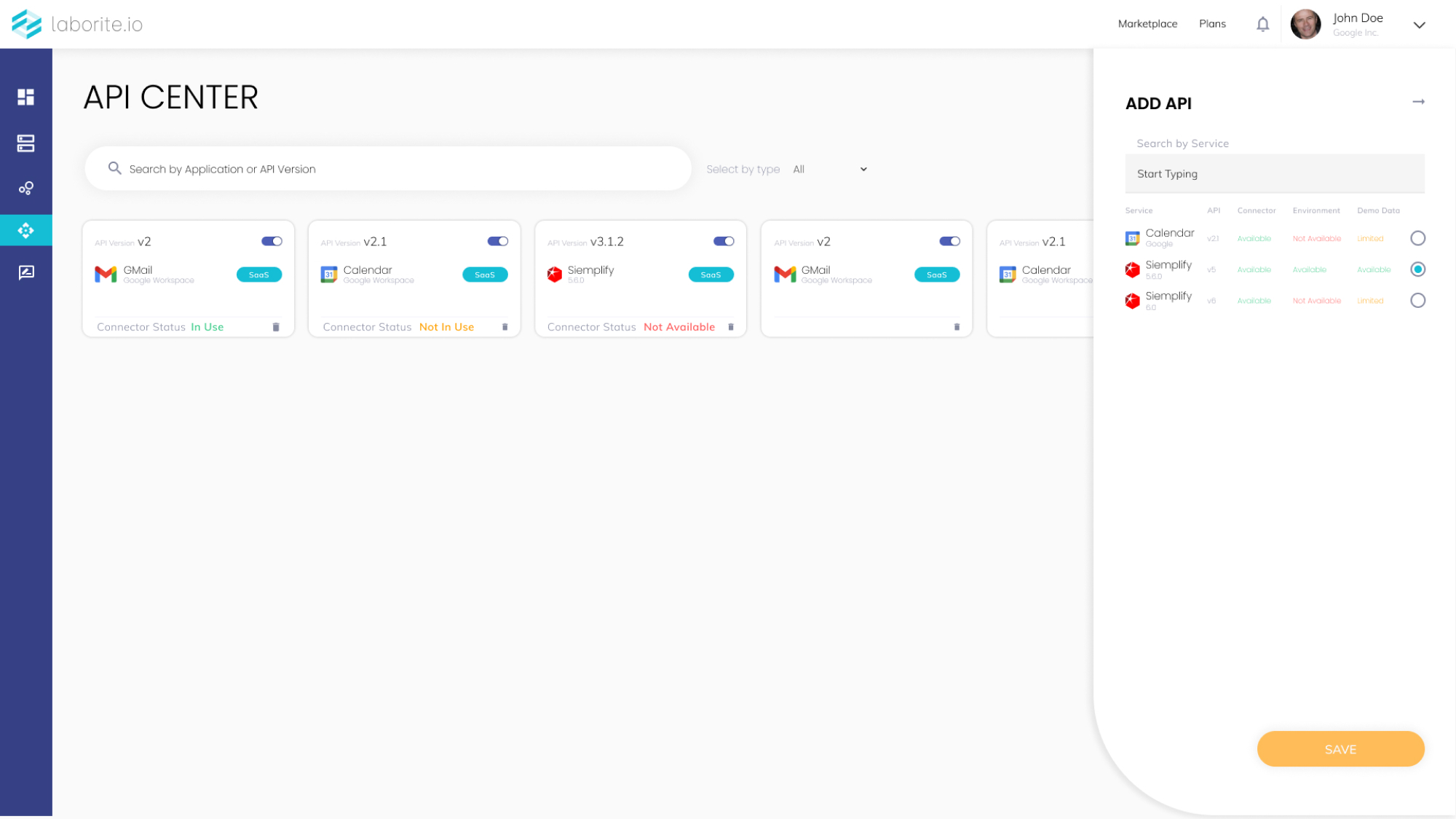
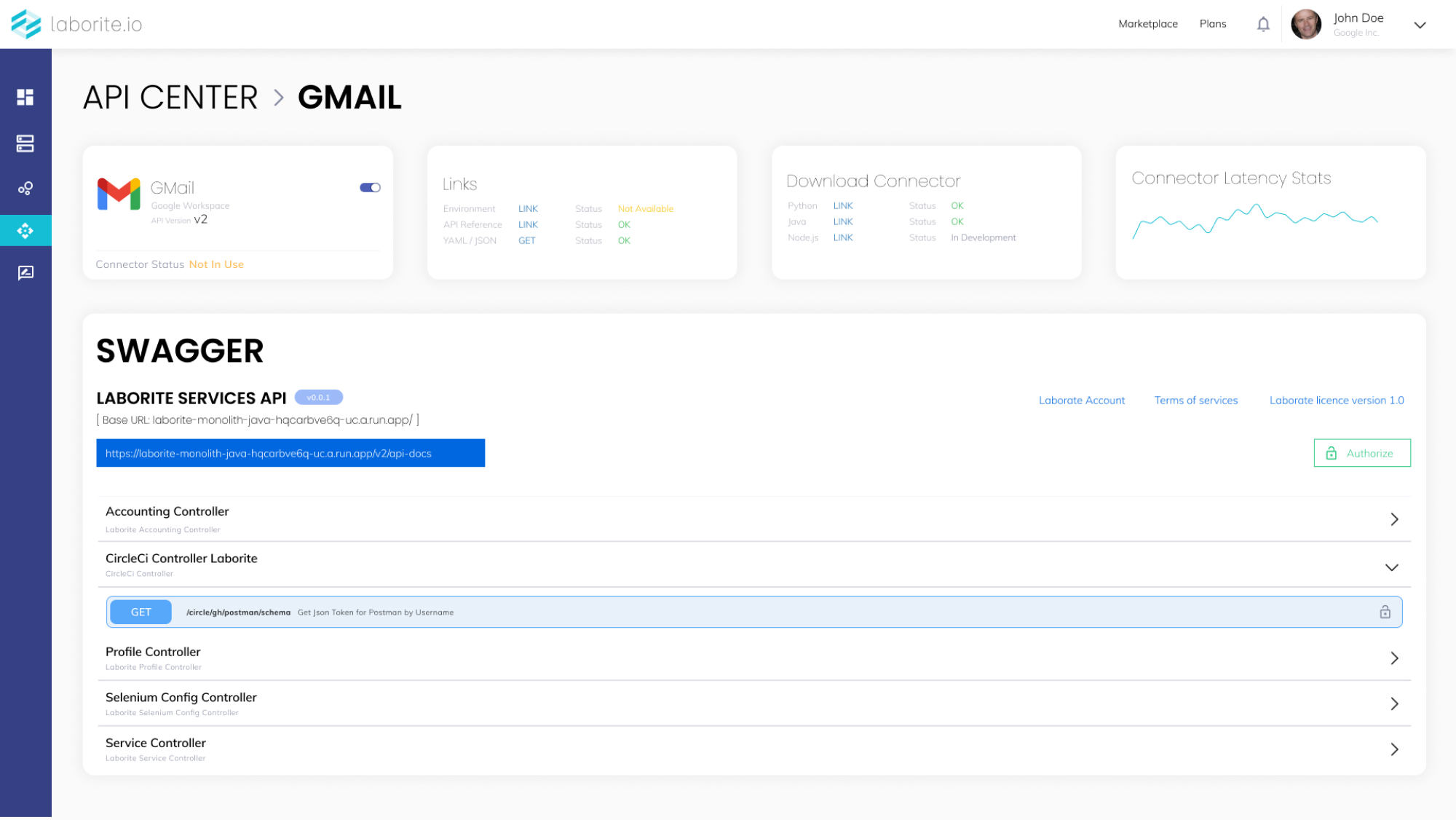
Consists of many elements and allows flexibility on tracking and working with environments. Central screen with metallization And navigation with much underlying mechanics, automations and API work process.
Main Working Screens
09 /
09
The first screen that the user will see after logging in and integrating his whole company’s services to Vaisible platform