Vaisible is a Tel Aviv, Israel-based startup that solves the live visibility into the access, employees have across used SaaS applications.
The main goal is to make the Identities perimeter secure and easier to manage at any scale.
Overview
01 /
08
My Role
Being the first & only Designer in the team my goal was to lead the whole design process starting with the research, then the wireframing design itself, and user interviews.
The Problem
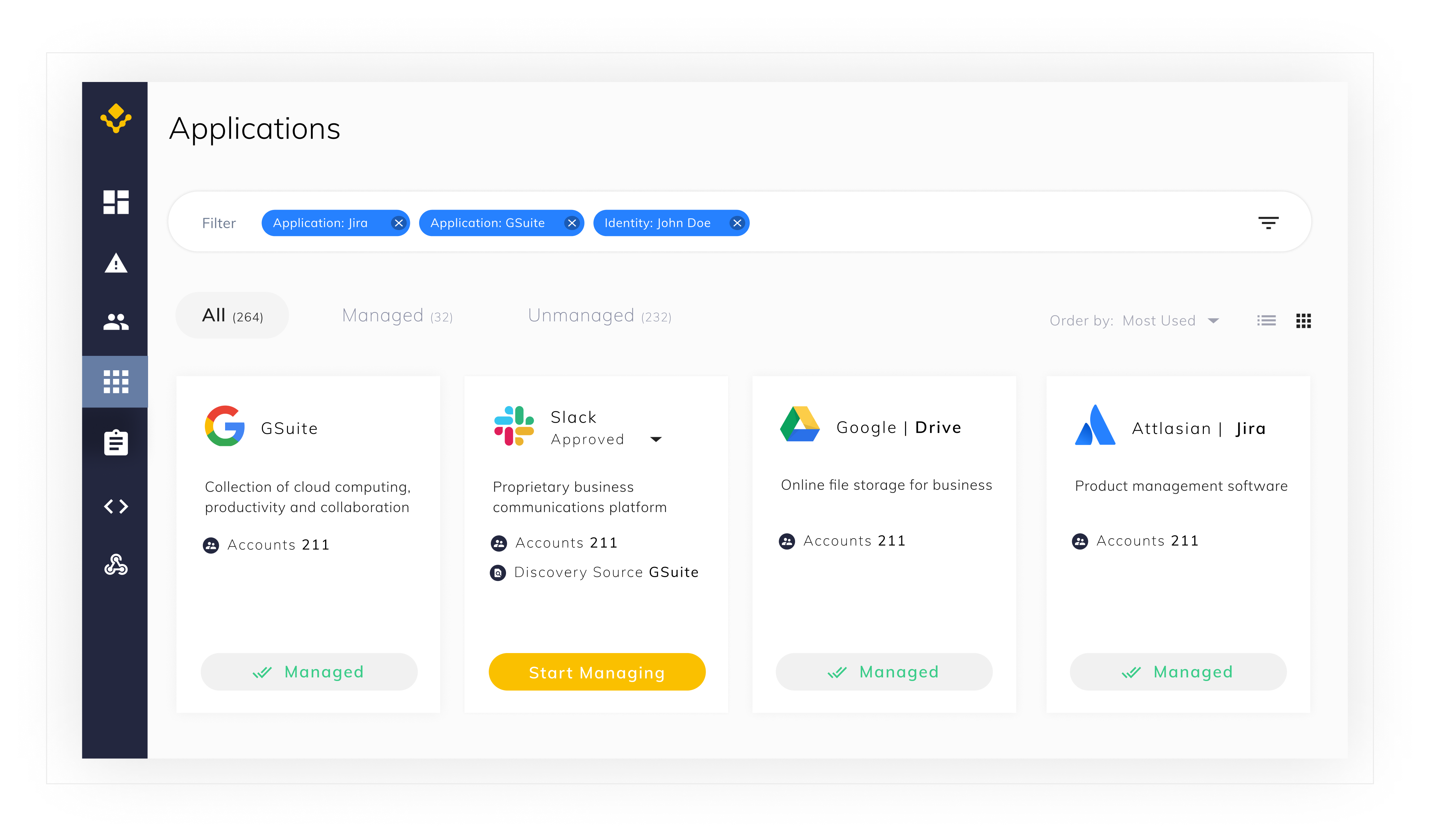
Need to make a single and easy to use view to showcase different aggregated data types from hundreds of software sources.
As nowadays IT and Security Directors need to see the ever-growing number of SaaS applications and manage their security.
Solution
After conducting a research of software data types and structure, a single tabbed view was selected as
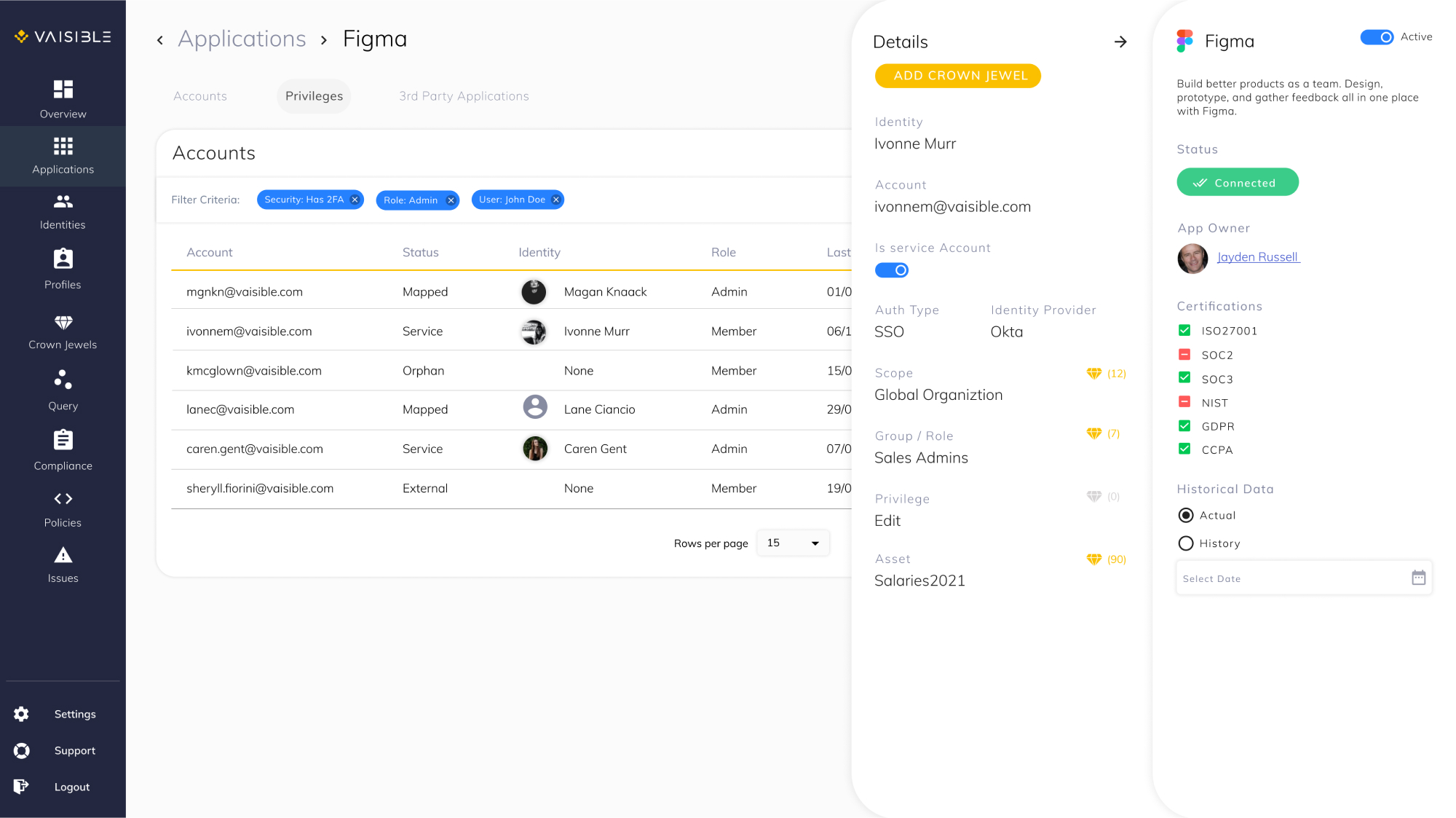
The best working surface for the IT and Security personas. With that in mind a specific filtering system
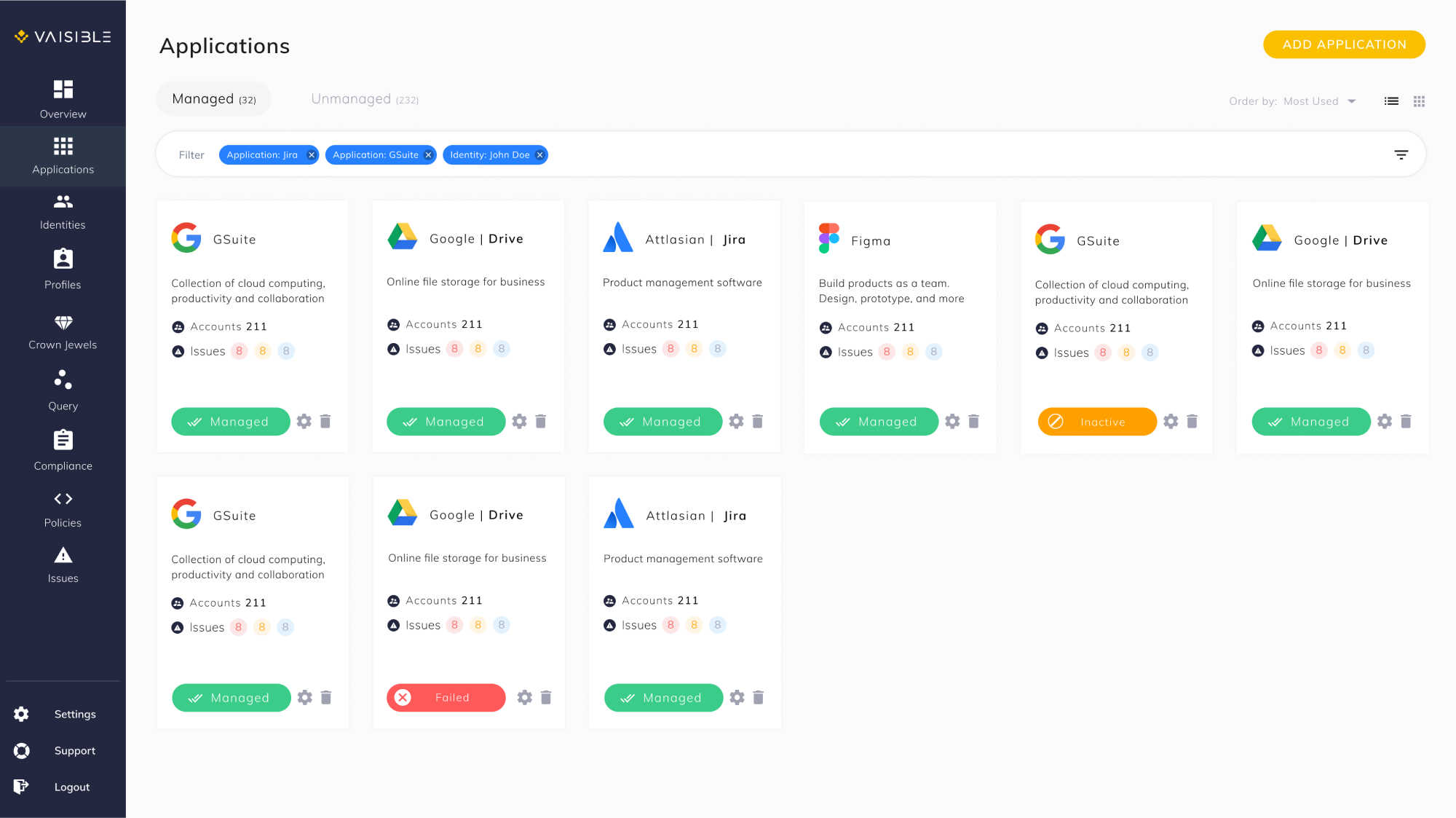
Was created to allow system users a quick and full visibility for an entire software stack from a single view.
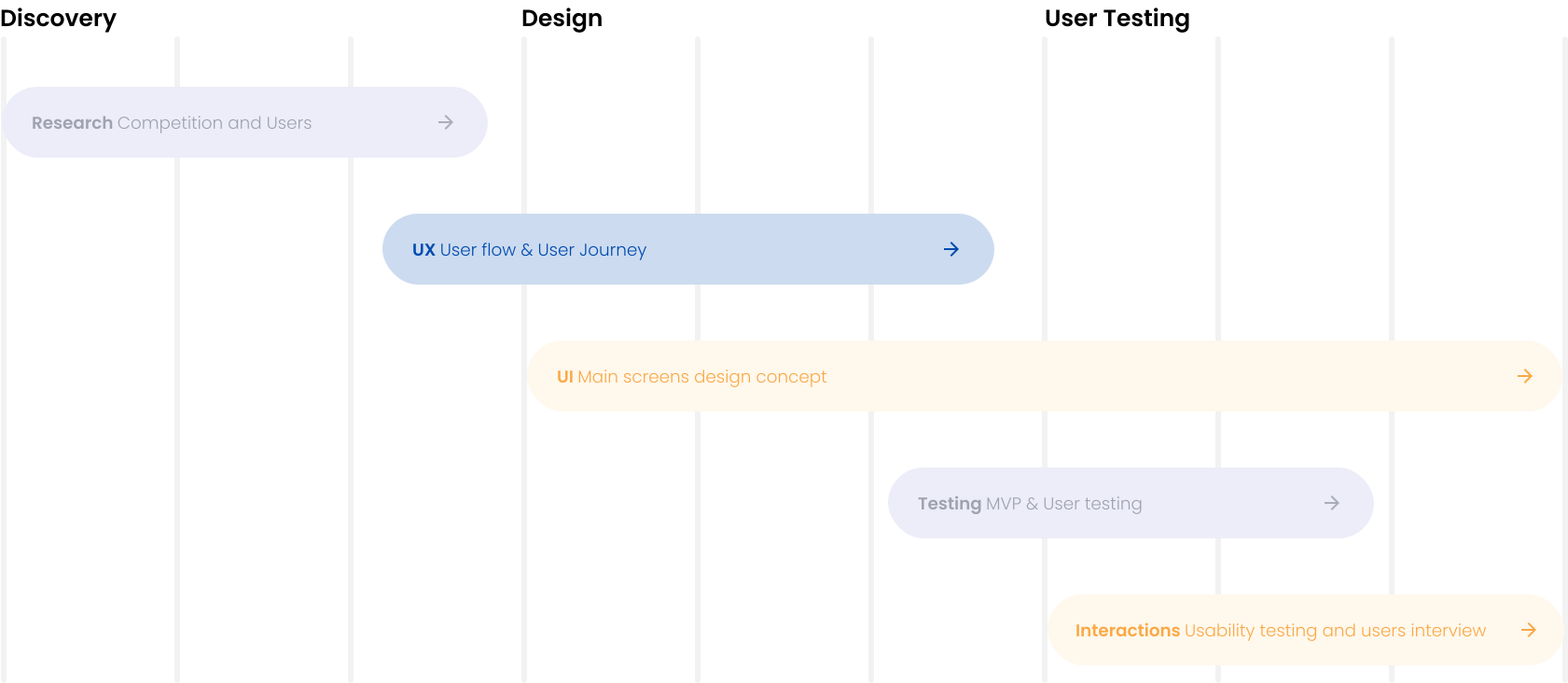
My Design Process
02 /
08
Meeting the Persona
03 /
08
Kevin Smith
AGE 33
Lives In Los Angeles, CA
WORKS AS IT Manager
Pain Points
No visibility into SaaS security and authorization
No JML or SoD management beyond authentication
Track discovered apps, sensitive access and misconfigurations
Motivation
A single tool to control SaaS and manage its security. This will provide me with full visibility into SaaS operations and security.
Goals
See up to date number of SaaS apps used including shadow IT
Get security insights and apply them automatically based on flow
Automate Joiner-Mover-Leaver, authorizations and access requests
Skeching the Ideas
04 /
08
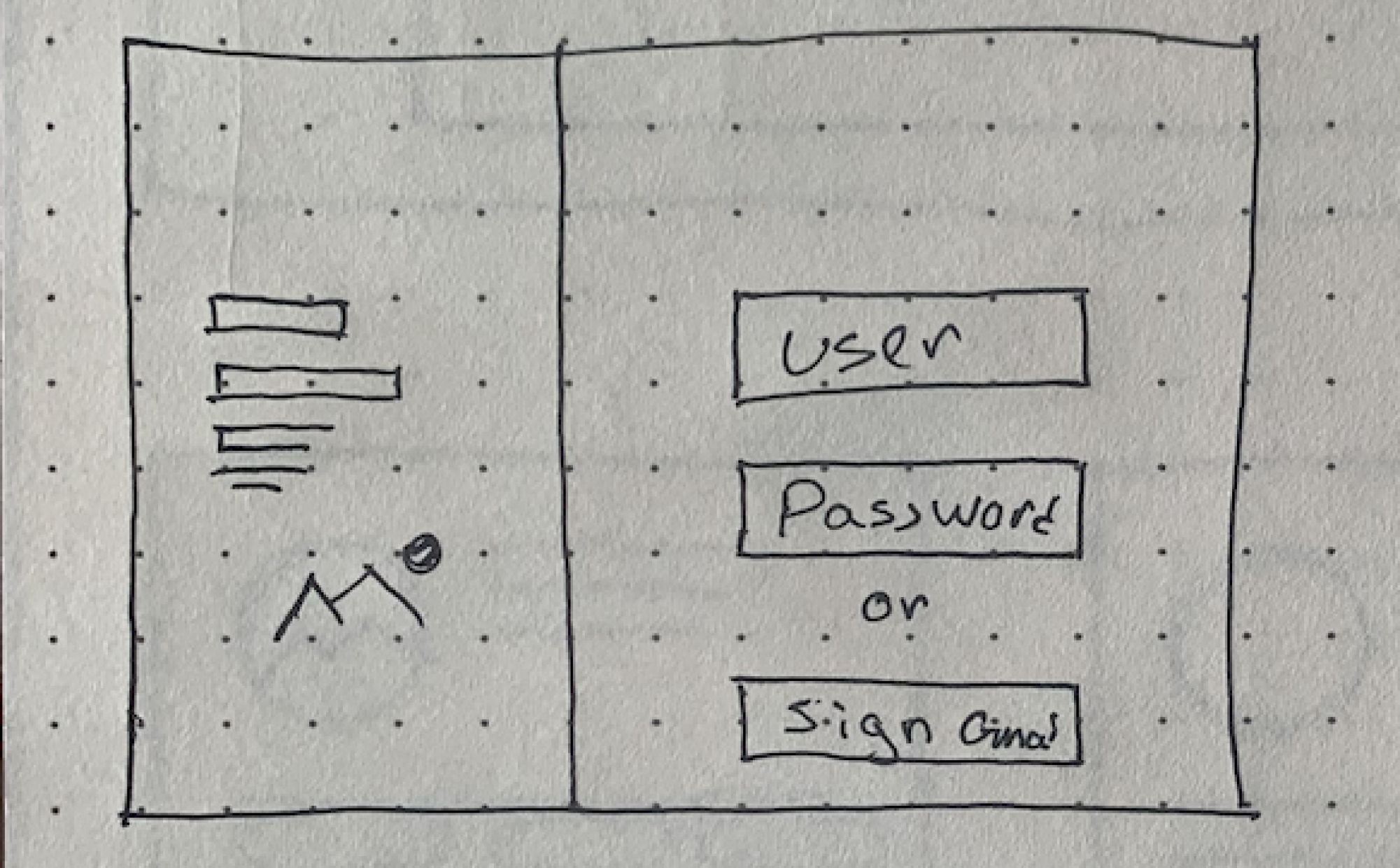
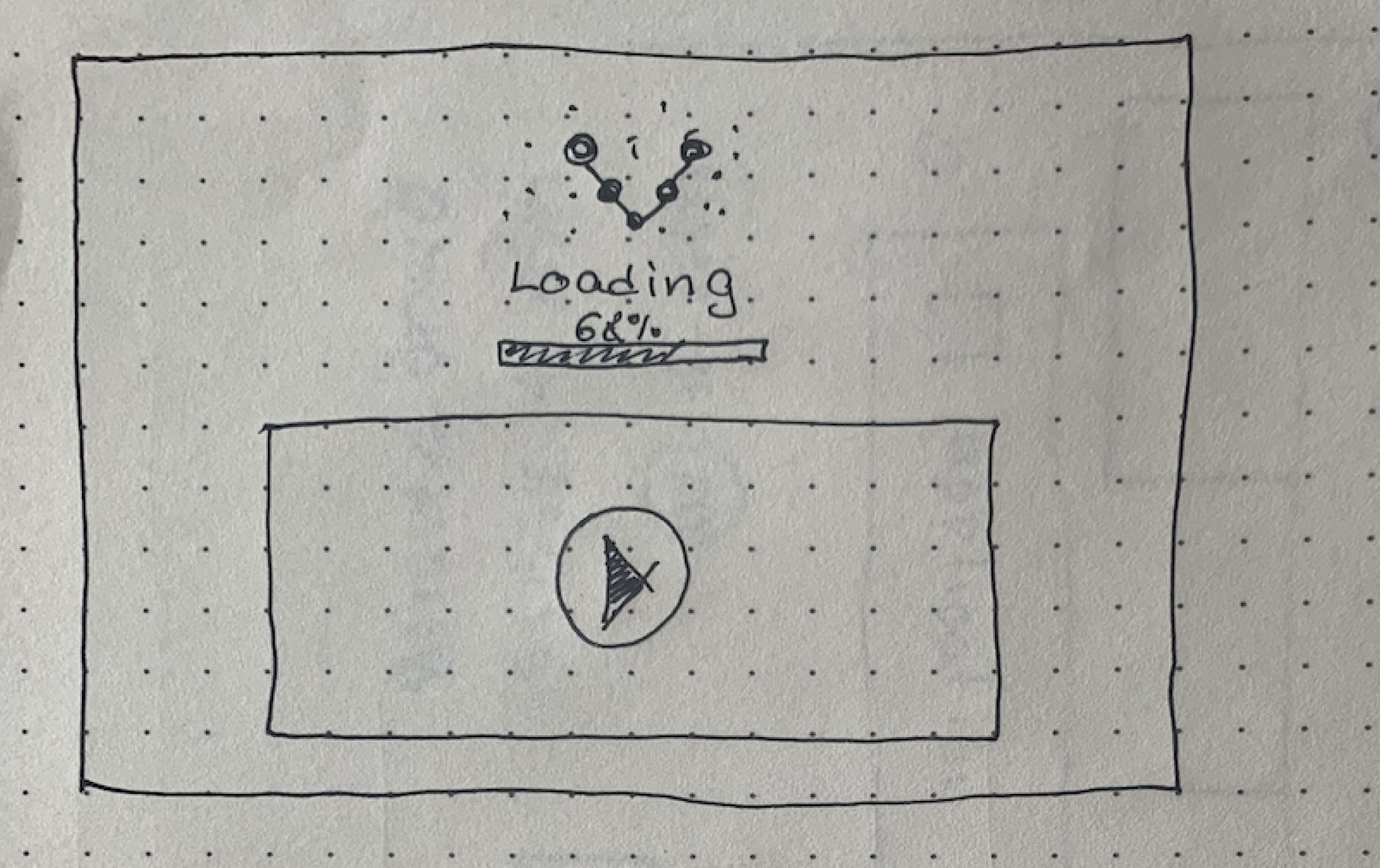
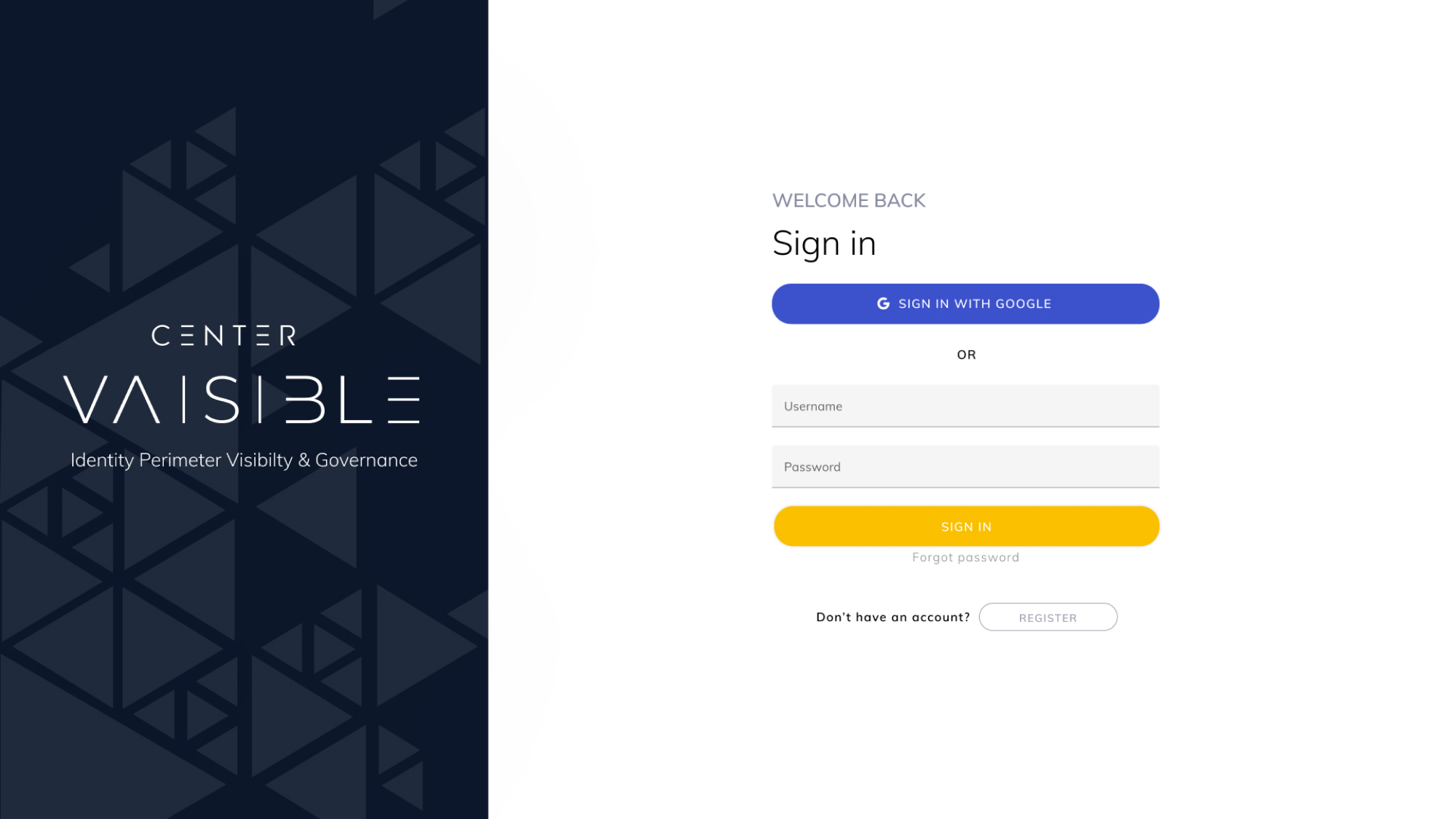
Login
Demonstration after sign
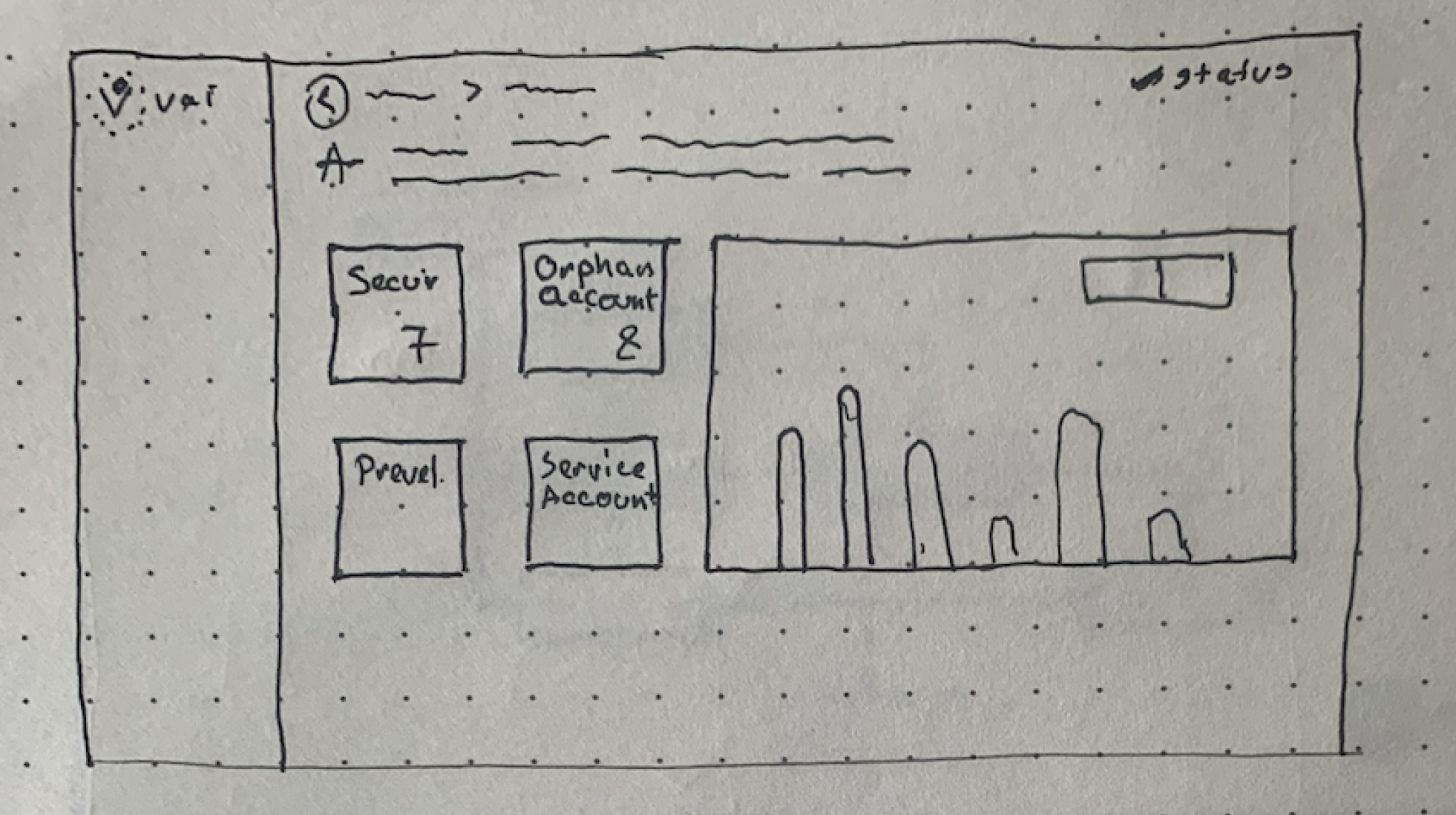
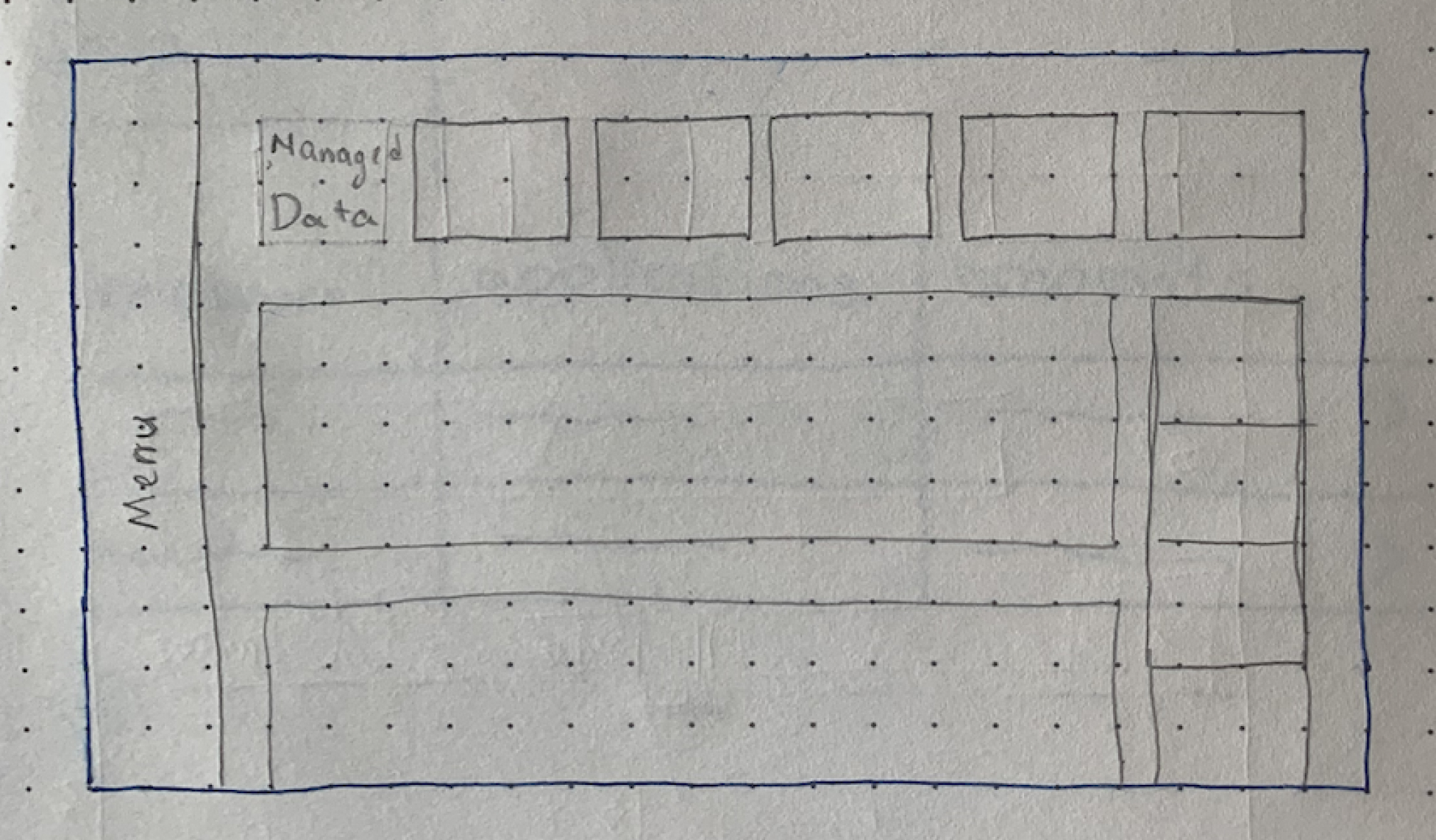
Overview v1
Overview v2
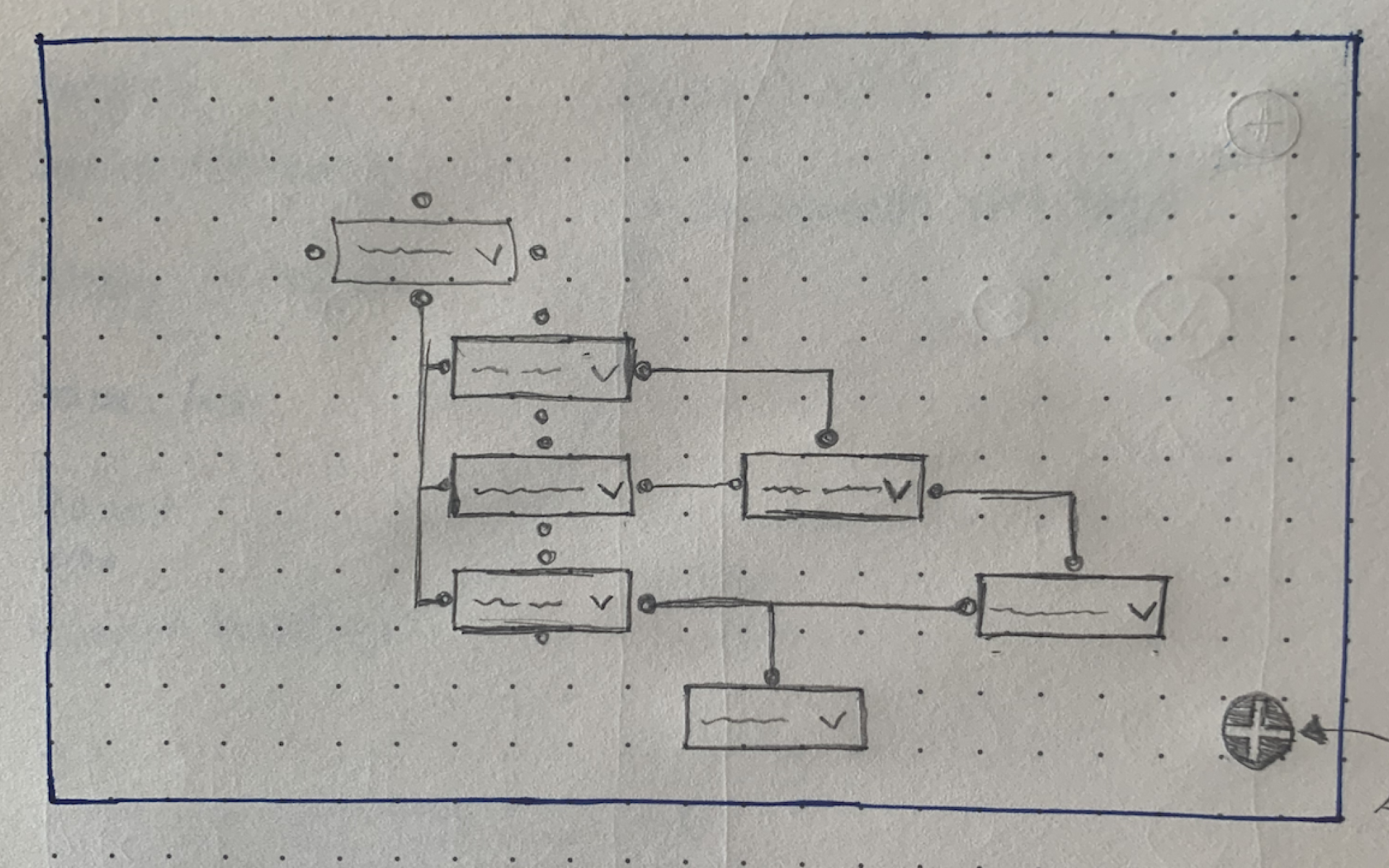
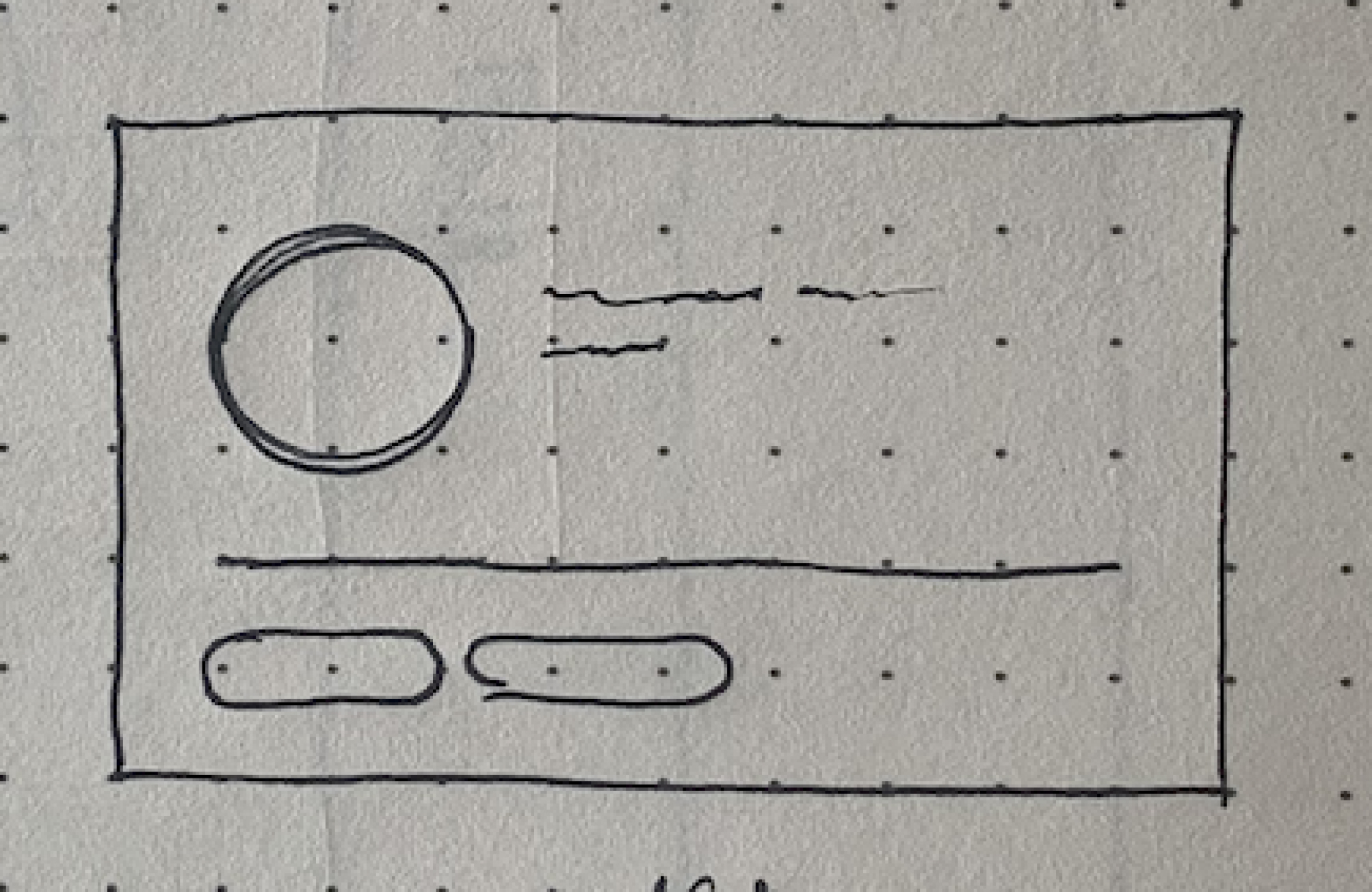
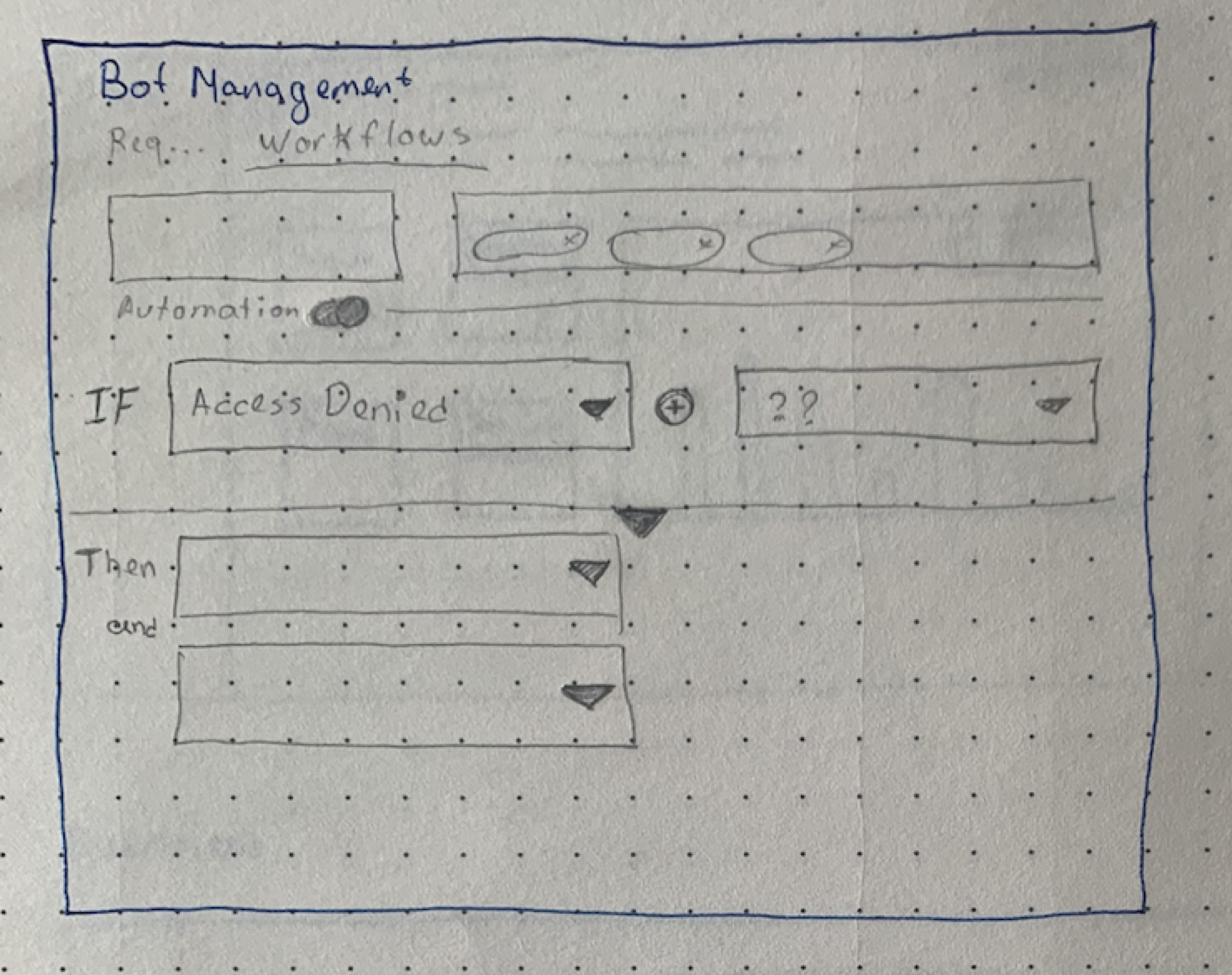
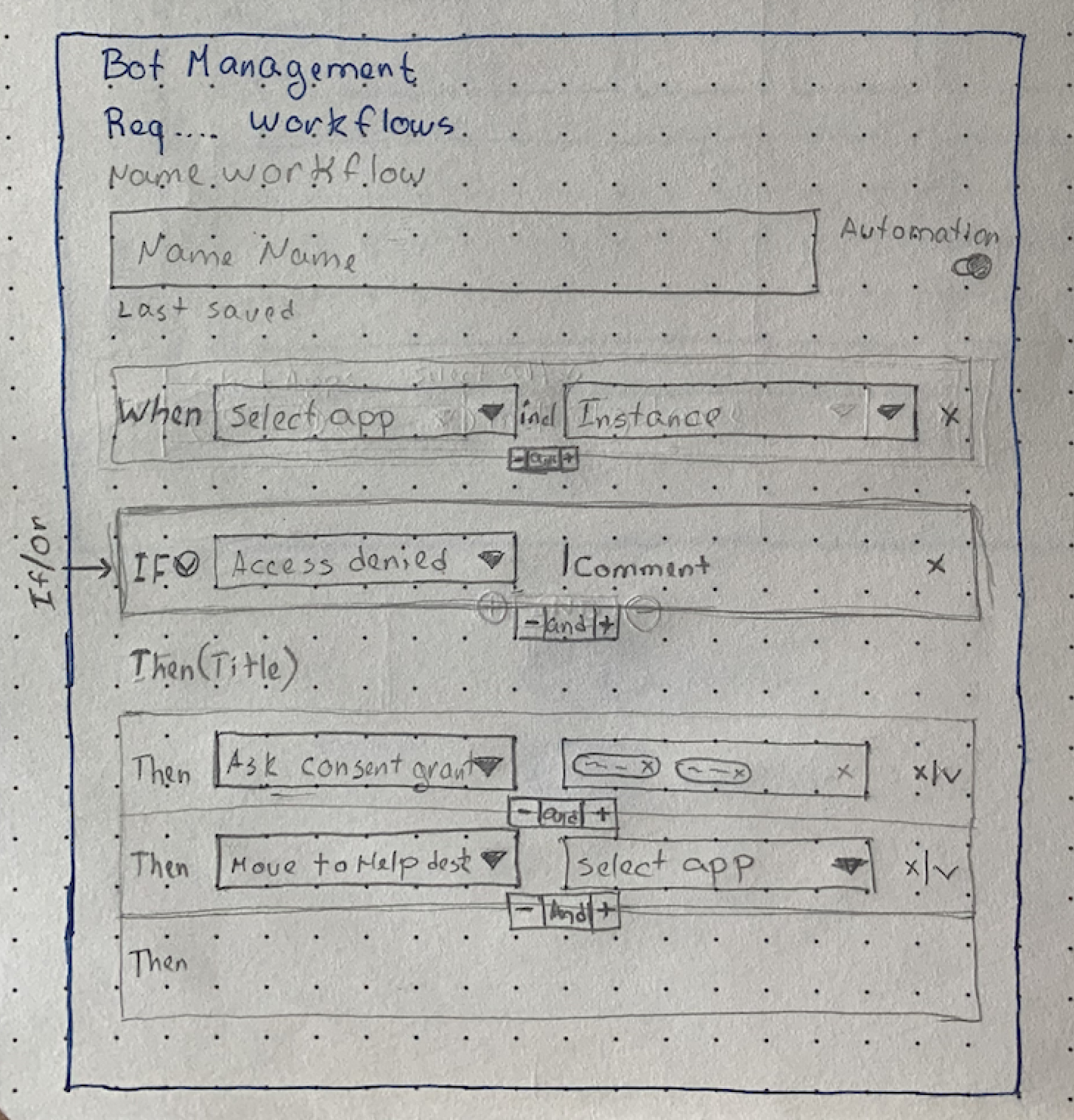
The main Idea
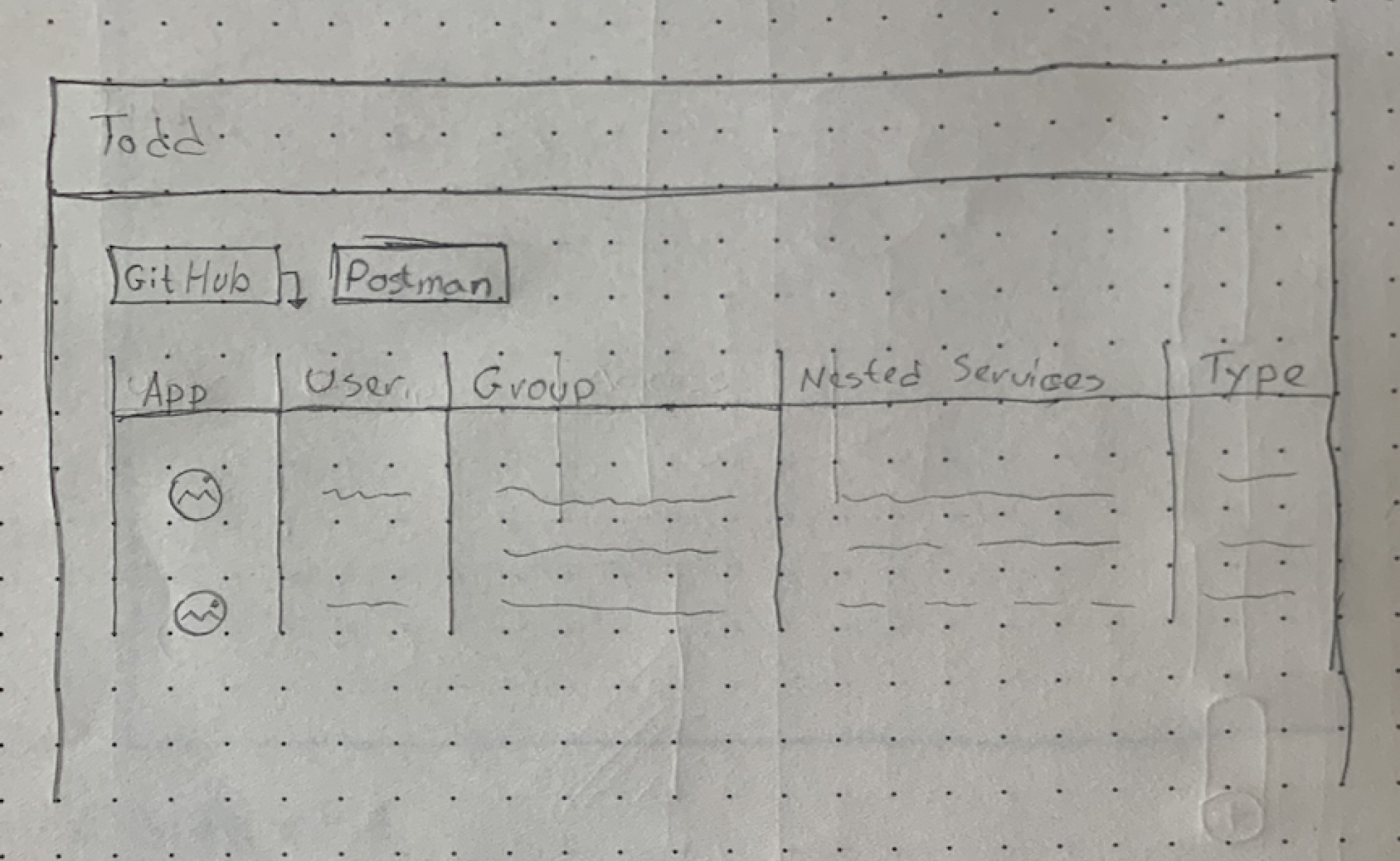
Before designing the main screen concepts we started to sketch ideas of functionality and features.
The sketches are the initial ideas containing wireframes and layout guides.
Table View Planing
Tree View Planing
User Card
Policies Automations
Policies Main Screen
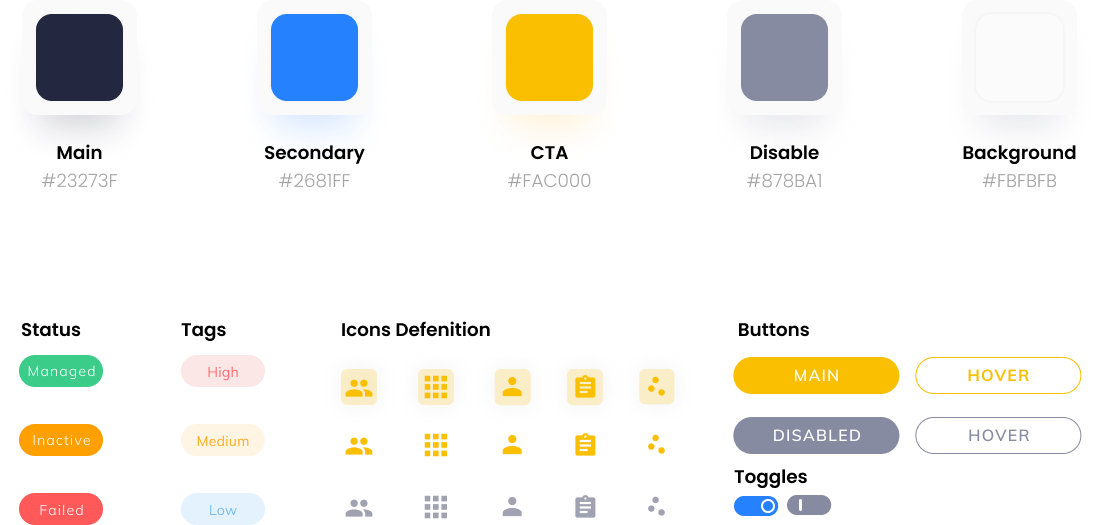
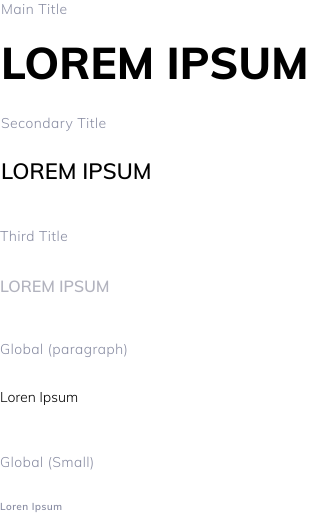
Creating the design system
05 /
08
Main Concepts
06 /
08
Onboarding process
07 /
08
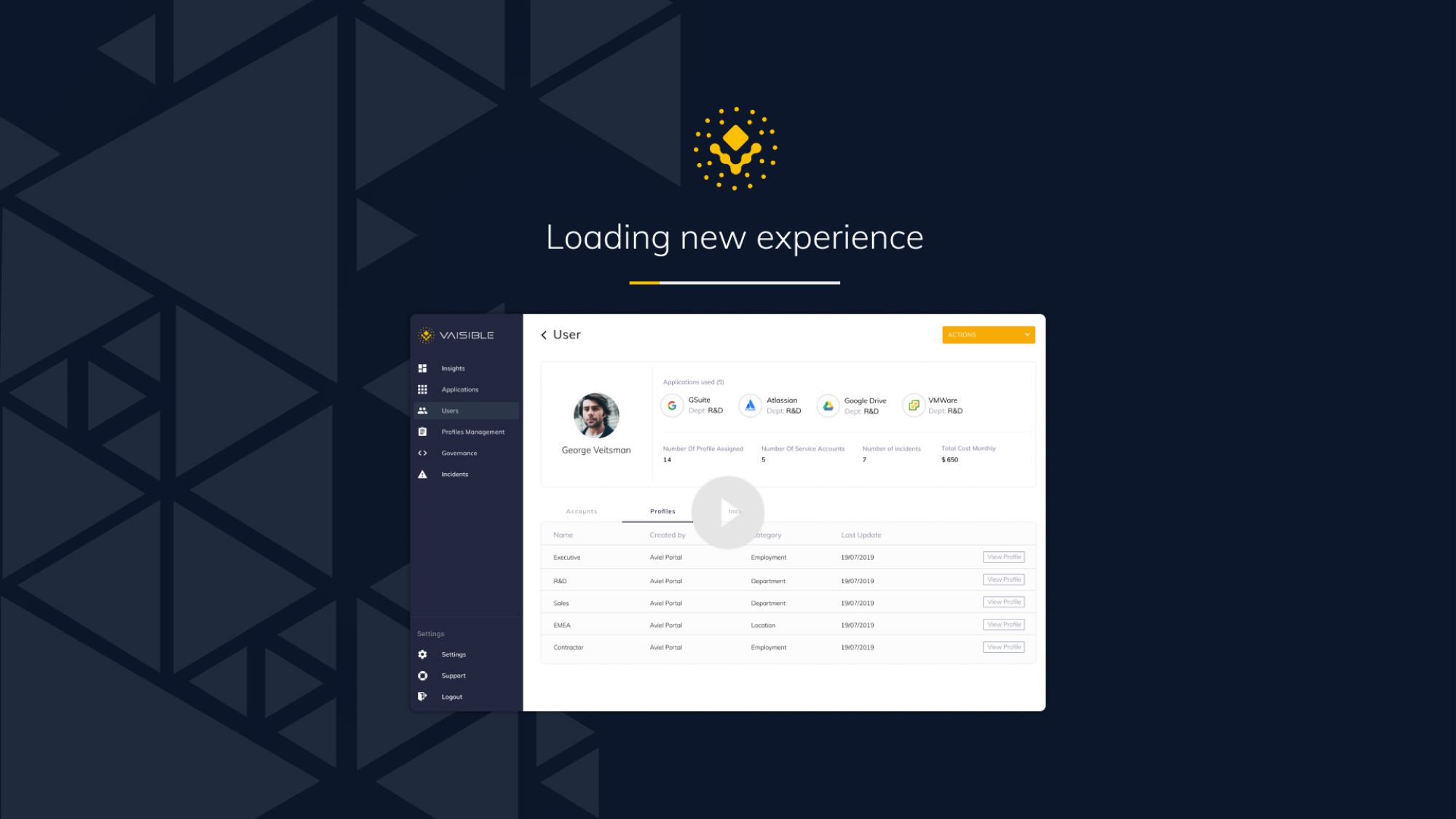
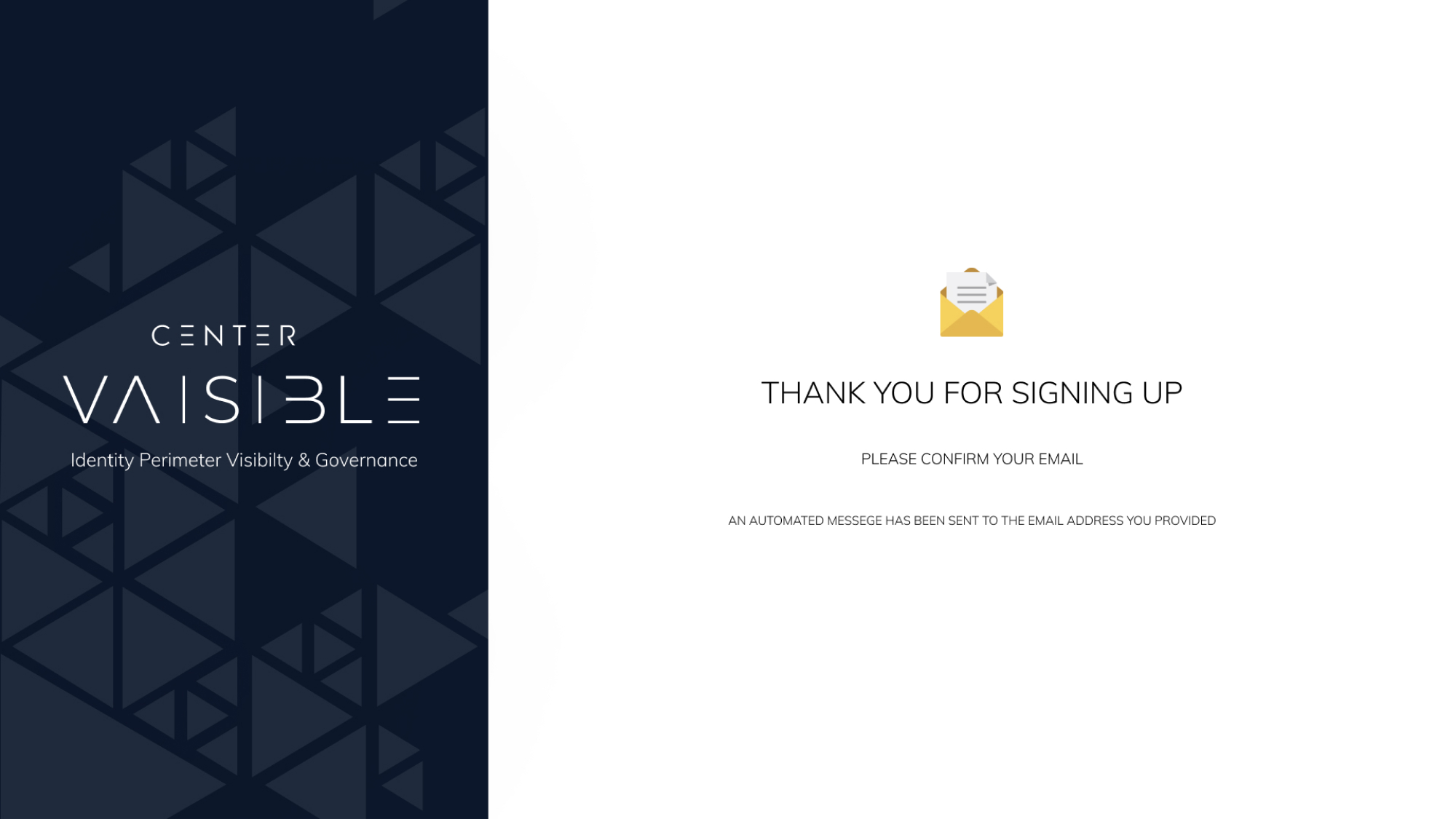
Here are a few main screens from the onboarding process. The main idea is time to value for our users and initial experience with visibility.
During a single tenant setup, a newly registered user can view a short explanatory video to set expectations from the start.
Main Working Screens
08 /
08
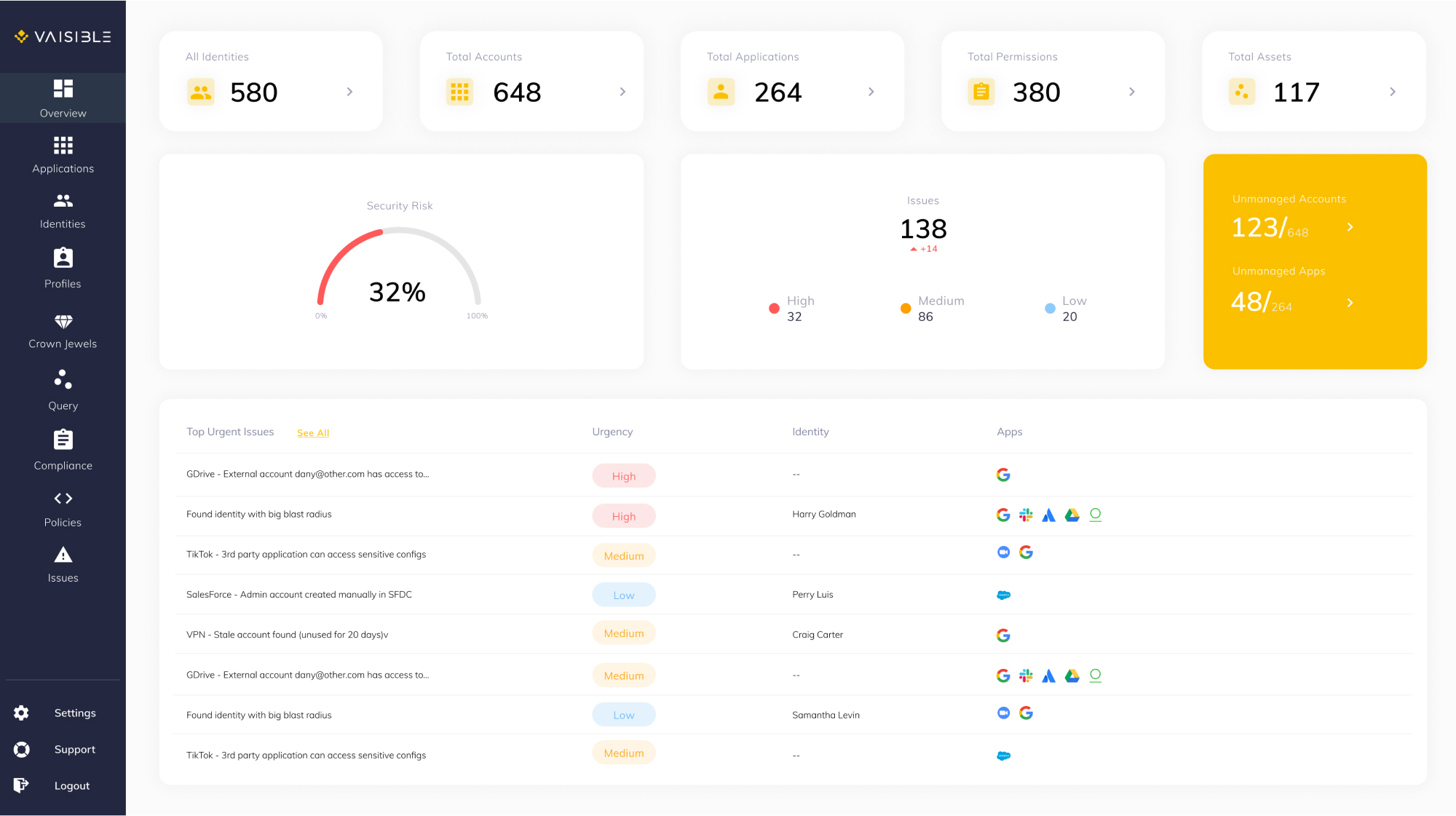
A first screen the user will see upon login,
discovery process and instant app integrations experience.